
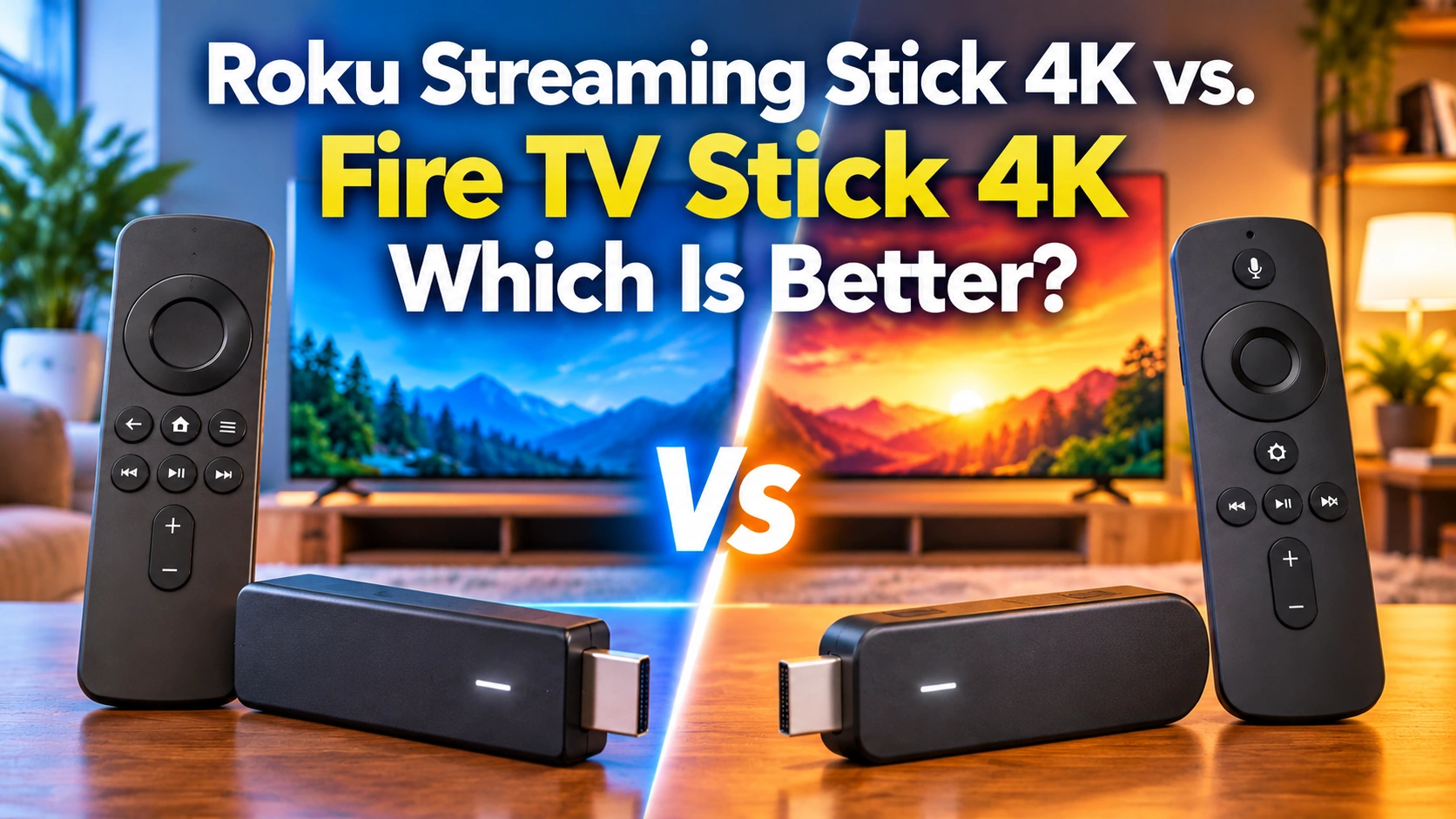
Trying to decide between the Roku Streaming Stick 4K and Amazon Fire TV Stick 4K? You’re certainly not alone. Both are affordable ways to enjoy 4K streaming, but they offer two very different approaches to watching television.
I’ve been using Roku devices for years, starting with a Roku Premiere and eventually moving on to Roku Ultras and a Streaming Stick. What keeps me coming back is their simplicity. Turn on the television, pick an app, and start watching. That’s exactly how I like it.
Amazon’s Fire TV Stick 4K takes a different approach, emphasizing Alexa voice control, entertainment recommendations, and smart home integration. While I haven’t personally tested the Fire TV Stick 4K, I’ve researched its features and specifications to see how it compares.
So, which streaming stick is the better choice in 2026? Let’s compare picture quality, performance, remotes, streaming apps, and overall value to help you find the one that fits your viewing habits and budget.
If you’re new to streaming, my What Is a Streaming Device? A Beginner’s Guide explains how these devices work and what they can do for your television.
Model Note: This comparison covers the second-generation Fire TV Stick 4K, subsequently renamed the Fire TV Stick 4K Plus. Amazon’s newer Fire TV Stick 4K (3rd Generation, 2026) uses Vega OS instead of Fire OS and has different app compatibility and picture-quality features. For details on the newer device, read my Amazon Fire TV Stick 4K Review 2026 before deciding which model to buy.
Quick Comparison: Roku Streaming Stick 4K vs. Fire TV Stick 4K
Before getting into the details, here’s a quick look at how these two streaming sticks compare.
| Feature | Roku Streaming Stick 4K | Fire TV Stick 4K |
|---|---|---|
| Resolution | 4K UHD | 4K UHD |
| HDR | Dolby Vision, HDR10+, HLG | Dolby Vision, HDR10+, HLG |
| Wi-Fi | Wi-Fi 5, long-range | Wi-Fi 6 |
| Remote | Roku Voice | Alexa Voice |
| Interface | App-focused | Content-focused |
| Free TV | Roku Channel, free apps | Free apps, live TV |
| AirPlay | Yes | No |
| Smart Home | Alexa, Google, Apple | Alexa |
| Audio | Mobile app | Bluetooth |
| Best For | Ease of use | Alexa users |
The biggest difference isn’t picture quality. It’s the overall streaming experience. Roku keeps things simple, while Fire TV emphasizes entertainment recommendations and Amazon’s connected services.
Both are capable streaming devices, but your viewing habits will determine which one feels more at home in your living room.
Design, Setup, and Ease of Use
Both streaming sticks are compact enough to hide behind your television, making them convenient for living rooms, bedrooms, or travel.
The Roku Streaming Stick 4K plugs directly into an HDMI port and features a long-range Wi-Fi receiver built into its power cable. Amazon’s Fire TV Stick 4K has a similar design and includes an HDMI extender for tight spaces.
Setting up either device is straightforward. Plug it in, connect the power, join your Wi-Fi network, sign in, and install your favorite streaming apps.
Having used several Roku devices over the years, I’ve always appreciated how simple the setup process is. Roku is practically plug-and-play, and its uncomplicated menus make it especially appealing to beginners.
Fire TV offers a similar setup experience but requires an Amazon account for activation.
My Take: Roku gets my vote for ease of use. Its straightforward setup and familiar interface make it an excellent choice for anyone who wants to start streaming without unnecessary complications.
If you’d like a little help getting started, my Roku Setup Guide + Netflix Tips walks you through the process.
Home Screen and User Experience
The biggest difference between these two streaming sticks becomes obvious when you turn on your television.
Roku: Simple and Familiar
Roku’s home screen features a straightforward grid of installed apps. Whether you’re opening Netflix, Hulu, or The Roku Channel, everything is easy to find.
Roku includes advertisements and recommendations, but its app-focused layout remains relatively straightforward.
That’s something I’ve always appreciated about Roku. When I sit down to watch television, I want to choose my app and get started, not spend time navigating endless recommendations.
Fire TV: More Entertainment Recommendations
Amazon takes a different approach, filling its home screen with suggested movies, television shows, and featured content. Prime Video receives prominent attention alongside recommendations from other services.
This can be convenient if you enjoy discovering new entertainment, but the interface may feel cluttered if you prefer something simpler.
My Take: Roku wins for simplicity, while Fire TV appeals to viewers who enjoy browsing recommendations. Your preference depends on how you like to find something to watch.
For a closer look at both platforms, my Roku vs. Fire TV 2026: Which Streaming Device Is Better? comparison explores their differences in greater detail.
Performance, Speed, and Wi-Fi
Nobody enjoys waiting for streaming apps to load or dealing with constant buffering. Fortunately, both devices are designed to handle everyday 4K streaming.
The Fire TV Stick 4K features a quad-core processor and Wi-Fi 6, which can improve wireless performance when paired with a compatible router.
The Roku Streaming Stick 4K uses Wi-Fi 5 but includes a long-range wireless receiver built into its power cable, designed to improve reception farther from your router.
Does Wi-Fi 6 Make a Difference?
It can, especially in households with newer routers and multiple connected devices. However, Wi-Fi 6 doesn’t automatically guarantee smoother streaming.
Your internet connection, Wi-Fi signal strength, and router placement also play important roles in streaming performance. For most households, either device should handle everyday streaming comfortably with a reliable connection.
My Take: Fire TV has the newer Wi-Fi technology, while Roku focuses on maintaining a dependable wireless connection. I wouldn’t choose between them based on Wi-Fi specifications alone.
Looking for a more powerful Amazon option? My Amazon Fire TV Stick 4K Max Review explores its additional features and performance capabilities.
Picture Quality, HDR, and Audio
Both streaming sticks support 4K Ultra HD, Dolby Vision, HDR10+, and HLG. On compatible televisions, these technologies can deliver richer colors, brighter highlights, and improved contrast.
What Does That Mean for Picture Quality?
Imagine watching a nighttime city scene. With HDR, bright streetlights can stand out against dark buildings while preserving more detail in the picture.
Both devices can deliver this experience, provided your television and streaming content support these formats.
Remember, connecting a 4K streaming stick won’t automatically improve the picture beyond what your television can display.
What About Sound?
The Fire TV Stick 4K supports Dolby Atmos, while Roku’s Streaming Stick 4K supports passthrough of Dolby-encoded audio, including Atmos in compatible setups.
If you own a soundbar or surround-sound system, make sure your television and audio equipment support the formats you want.
My Take: Picture quality is essentially a tie. Both devices deliver the capabilities needed for an excellent 4K streaming experience.
Remote Controls and Voice Features
Both streaming sticks include voice remotes with television power, volume, and mute controls, making everyday viewing convenient.
Roku Voice Remote
Roku’s remote features a straightforward button layout and voice search for movies, shows, actors, and streaming apps.
I’ve always appreciated how uncomplicated Roku remotes are. Everything is easy to find without navigating unnecessary buttons or menus.
The standard remote doesn’t include a headphone jack, but private listening is available through the Roku mobile app.
Alexa Voice Remote
Amazon’s Alexa Voice Remote offers similar television controls, along with voice commands for searching content and launching supported apps.
Alexa also provides additional smart home capabilities, which we’ll explore later.
My Take: Roku gets my vote for simplicity, while Fire TV offers more versatile voice commands through Alexa. Both remotes handle everyday streaming comfortably.
Streaming Apps, Free Content, and Live TV
Both streaming sticks offer thousands of entertainment options, including popular subscription services, free movies, and live television.
Popular Streaming Services
Netflix, Disney+, Prime Video, Hulu, Peacock, Paramount+, and YouTube are available on both platforms.
You can also watch live TV through services such as YouTube TV, Sling TV, Hulu + Live TV, and Fubo. Individual app features may vary between devices.
Free Streaming Entertainment
Roku features The Roku Channel, offering free movies, television shows, and live channels. Fire TV also provides free entertainment through supported apps and its live TV features.
Both devices support popular free services like Pluto TV and Tubi. You can even watch The Roku Channel on compatible Fire TV devices.
If you’re looking to save money, my Free Streaming Services guide explores additional options that won’t increase your monthly bills.
What About Local Channels?
Neither stick has a built-in antenna tuner. To receive free local broadcast channels, connect an antenna directly to your television.
Alternatively, a live TV streaming subscription may provide local stations in your area.
Need help choosing an antenna? My Best Indoor TV Antennas for Great Reception guide can help you find the right one.
My Take: Both platforms offer excellent entertainment choices. Roku’s straightforward access to free channels gives it a slight advantage for viewers who enjoy traditional channel surfing.
Private Listening and Accessibility
Private listening is a convenient feature when you want to watch television without disturbing others.
Roku Private Listening
The Roku Streaming Stick 4K offers private listening through the Roku mobile app. Connect compatible headphones to your smartphone and enjoy your favorite programs privately.
Fire TV Bluetooth Listening
The Fire TV Stick 4K lets you connect compatible Bluetooth headphones directly to the device, eliminating the need for a smartphone.
Accessibility Features
Both platforms offer closed captions and screen readers. Roku provides its Screen Reader feature, while Fire TV includes VoiceView to help viewers with visual impairments navigate menus.
My Take: Both offer useful listening options. Fire TV has the convenience of direct Bluetooth connectivity, while Roku’s mobile app makes private listening easy for smartphone users.
Smart Home Features, Alexa, and AirPlay
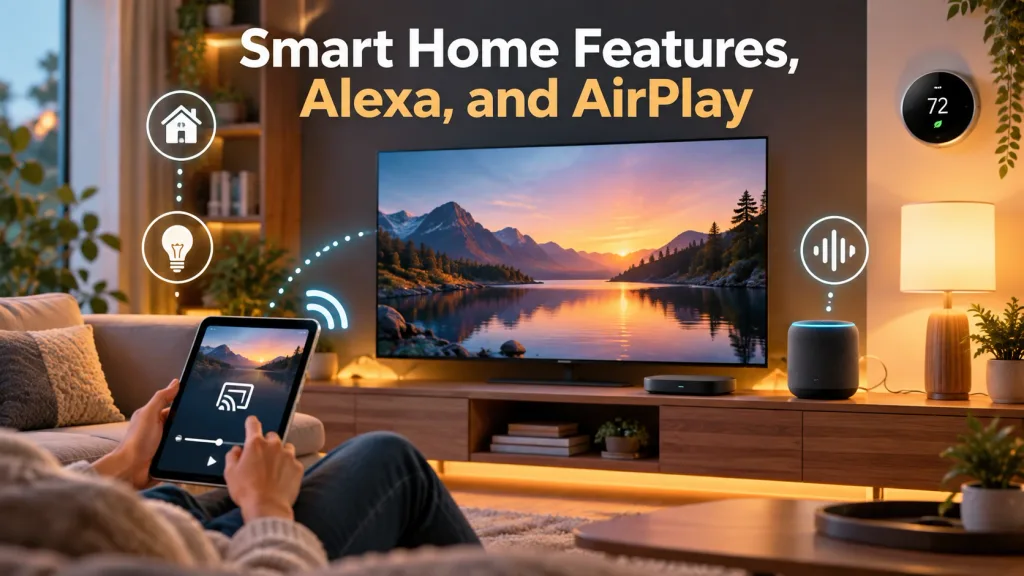
If you’re building a connected home, these streaming sticks offer different advantages.
Fire TV and Alexa
The Fire TV Stick 4K integrates with Amazon’s Alexa ecosystem, allowing you to control compatible smart lights, plugs, and other connected devices using voice commands.
You can also display video feeds from supported Ring cameras and doorbells on your television.
For households already using Echo speakers and Alexa, Fire TV is a natural fit.
Want more Alexa features? My Amazon Fire TV Cube 3rd Gen Review explores another streaming device with advanced voice and smart home capabilities.
Roku, AirPlay, and Smart Home Compatibility
The Roku Streaming Stick 4K supports Apple AirPlay and HomeKit, making it easy to share photos, videos, and compatible content from an iPhone, iPad, or Mac.
Roku also works with Alexa and Google Home, although its smart home experience isn’t as deeply integrated with Amazon’s ecosystem.
My Take: Fire TV is the stronger choice for Alexa-centered households, while Roku’s AirPlay support makes it particularly appealing to Apple users.
Price and Value
Both streaming sticks offer affordable 4K entertainment, although prices and promotional discounts can vary.
The Roku Streaming Stick 4K delivers a simple interface, AirPlay compatibility, and easy access to free entertainment. The Fire TV Stick 4K adds Wi-Fi 6, Alexa integration, and direct Bluetooth headphone connectivity.
Neither device requires a monthly subscription, although individual streaming services may charge fees.
My Take: If prices are similar, I’d choose Roku for its simplicity. However, Fire TV may offer better value if you already use Alexa and Amazon’s smart home ecosystem. If saving a little more money is your priority, the Roku Streaming Stick Plus offers affordable 4K HDR10+ streaming without Dolby Vision. My Roku Streaming Stick Plus Review 2026 explores whether this lower-cost alternative is right for you.
Roku Streaming Stick 4K: Pros and Cons
Pros
- Simple, beginner-friendly interface.
- Excellent 4K, Dolby Vision, and HDR10+ support.
- Long-range Wi-Fi receiver.
- Apple AirPlay and HomeKit compatibility.
- Easy access to free streaming channels.
- Straightforward voice remote.
Cons
- No Wi-Fi 6 support.
- Private listening requires the Roku mobile app.
- Home screen includes advertisements.
- Less extensive Alexa integration than Fire TV.
Fire TV Stick 4K: Pros and Cons
Pros
- Excellent 4K, Dolby Vision, and HDR10+ support.
- Wi-Fi 6 connectivity.
- Strong Alexa and smart home integration.
- Direct Bluetooth headphone support.
- Wide selection of streaming services.
- Convenient entertainment recommendations.
Cons
- Home screen can feel cluttered.
- Amazon content receives prominent promotion.
- No native Apple AirPlay support.
- Interface may be less beginner-friendly than Roku.
- 8 GB of internal storage may limit larger app collections.
Which Streaming Stick Should You Buy?
After comparing these two streaming sticks, the best choice comes down to your viewing habits and preferences.
Buy the Roku Streaming Stick 4K If…
You want a simple, easy-to-navigate interface that puts your favorite streaming apps first.
Roku is particularly appealing to beginners, traditional television viewers, and Apple users who appreciate AirPlay compatibility.
Having used Roku devices for years, I can confidently recommend their straightforward approach to streaming.
Buy the Fire TV Stick 4K If…
You already use Amazon services, Alexa, or compatible smart home devices.
Fire TV is also a good choice if you enjoy personalized entertainment recommendations, Wi-Fi 6 connectivity, and direct Bluetooth headphone support.
What If Neither One Seems Right?
There are plenty of alternatives worth considering. My How to Choose a Streaming Device in 2026: Buying Guide for Every Budget can help you explore other options.
Final Thoughts
After comparing the Roku Streaming Stick 4K vs. Fire TV Stick 4K, I believe both offer excellent value, but my personal recommendation goes to Roku for its simplicity and ease of use.
I’ve enjoyed using Roku devices for years, and I appreciate being able to turn on my television, choose an app, and start watching without unnecessary distractions.
However, if you’re already invested in Alexa, Prime Video, and Amazon’s smart home ecosystem, the Fire TV Stick 4K may be the better choice for you.
👉 Want to learn more about Roku? Check out my Roku Streaming Stick 4K Review for a closer look at its features and capabilities.
👉 Still comparing your options? Visit my Best Streaming Devices 2026: Top Picks for Every Budget guide to explore other excellent choices.
Remember, cutting the cord isn’t just about saving money. It’s about having the freedom to enjoy television on your own terms.
My motto says it all: “I will watch what I want to watch when I want to watch it!”
Until next time, keep the remote close, the cable bill low, and the entertainment rolling. Happy Streaming!
Mark