
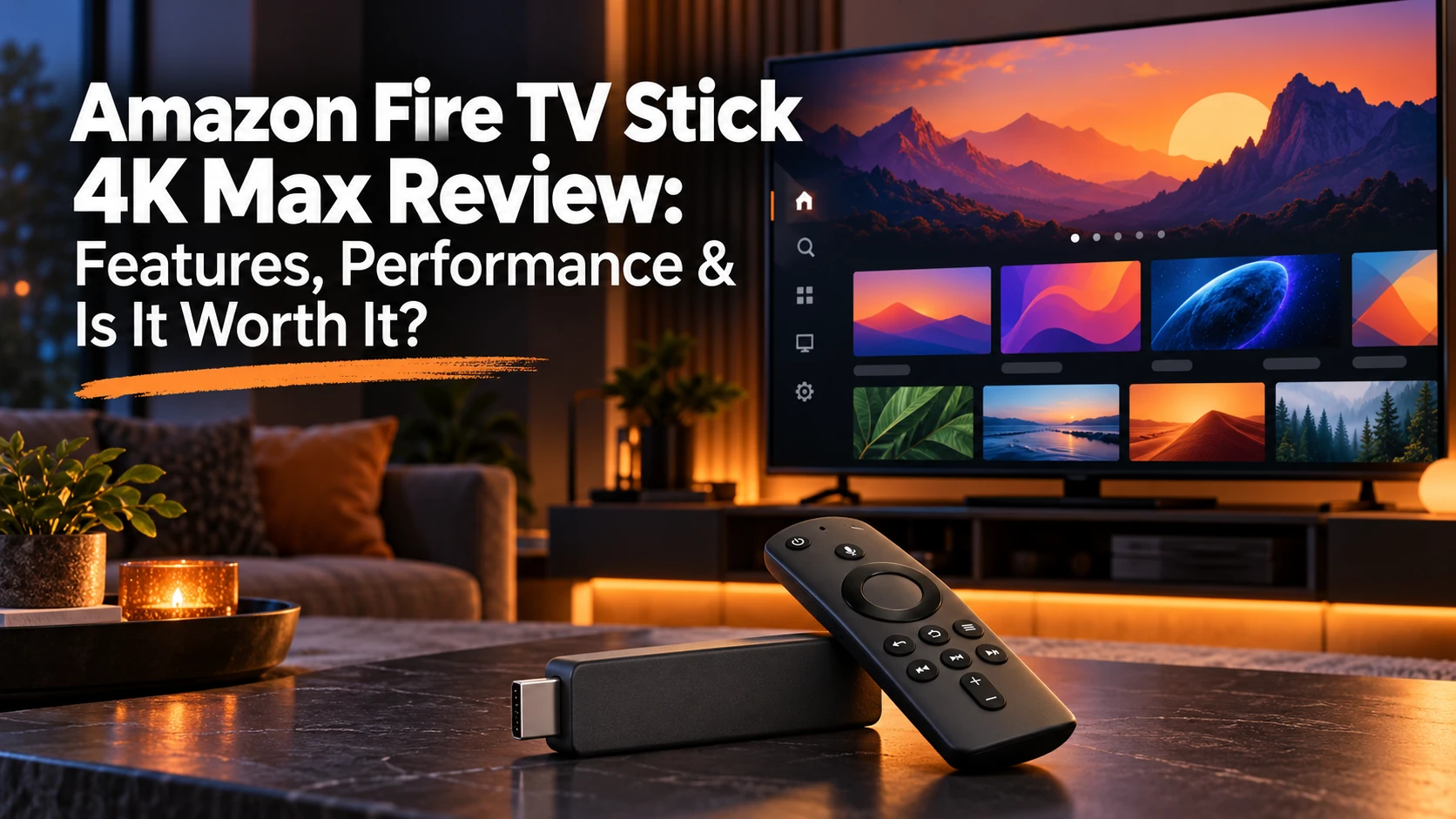
Streaming devices have come a long way from simply adding Netflix to an older TV. Today, they can deliver 4K HDR video, voice control, smart-home features, cloud gaming, and access to nearly every major streaming service.
The Amazon Fire TV Stick 4K Max sits at the top of Amazon’s streaming stick lineup, offering features such as Wi-Fi 6E, 16GB of storage, Dolby Vision, Dolby Atmos, and Alexa integration.
I don’t personally own or use the Fire TV Stick 4K Max. My hands-on streaming-device experience has mainly been with Roku, so this review is based on Amazon’s published specifications and independent testing rather than personal use.
In this review, I’ll look at the Fire TV Stick 4K Max’s features, performance, strengths, drawbacks, and how it compares with other streaming options to help determine whether it still makes sense in 2026.
What Is the Amazon Fire TV Stick 4K Max?
The Fire TV Stick 4K Max is Amazon’s premium streaming stick. It plugs into an HDMI port and gives your TV access to streaming apps, live TV services, movies, music, Alexa features, and more.
The current 4K Max is the second-generation model, originally released in 2023. It includes a 2.0GHz quad-core processor, 16GB of storage, Wi-Fi 6E, Dolby Vision, HDR10+, Dolby Atmos, and Amazon’s Fire TV Ambient Experience.
It is Amazon’s most powerful streaming stick, although the larger Fire TV Cube remains the higher-end Fire TV device overall.
Amazon Fire TV Stick 4K Max Specifications
| Feature | Fire TV Stick 4K Max |
|---|---|
| Maximum Resolution | 4K Ultra HD up to 60 fps |
| Processor | Quad-core up to 2.0GHz |
| Storage | 16GB |
| Wi-Fi | Wi-Fi 6E |
| HDR | Dolby Vision, HDR10, HDR10+, HLG |
| Audio | Dolby Atmos support |
| Remote | Alexa Voice Remote Enhanced |
| Bluetooth | Bluetooth 5.2 |
| Power Connection | Micro-USB |
| Operating System | Fire OS 8 |
The standout features are 16GB of storage, Wi-Fi 6E, broad HDR support, and Dolby Atmos. Those specifications help separate the 4K Max from less expensive streaming sticks.
Setup Should Be Fairly Straightforward
The Fire TV Stick 4K Max plugs into an HDMI port on your TV. From there, you connect it to power, select the correct HDMI input, connect to Wi-Fi, sign in to your Amazon account, and install the apps you want.
The process should be familiar to anyone who has set up a modern streaming device.
One minor drawback is that the 4K Max still uses Micro-USB for power instead of USB-C, which feels dated in 2026.
Performance and Speed
The Fire TV Stick 4K Max uses a 2.0GHz quad-core processor with 2GB of RAM, giving it enough power for responsive everyday streaming.
Independent testing has found navigation and app loading generally quick, although the difference compared with other recent streaming devices may not be dramatic.
The improvement may be most noticeable for someone upgrading from an older streaming stick. Keep in mind that streaming performance also depends on your internet connection, Wi-Fi network, and the service you’re using.
4K, Dolby Vision, and HDR Picture Quality
The Fire TV Stick 4K Max supports 4K Ultra HD up to 60 fps, along with Dolby Vision, HDR10, HDR10+, and HLG.
That gives it broad compatibility with modern 4K HDR televisions and streaming services.
Picture quality will still depend on your TV, internet connection, streaming service, and the content you’re watching. To see Dolby Vision or another HDR format, both the television and the program must support it.
Dolby Atmos and Audio
The Fire TV Stick 4K Max supports Dolby Atmos with compatible content and audio equipment.
If you have a compatible soundbar or home-theater system, Atmos can provide a more immersive audio experience. However, the streaming service, program, and audio equipment must all support it, so it won’t benefit every setup.
Wi-Fi 6E Is One of the Biggest Advantages
The Fire TV Stick 4K Max supports Wi-Fi 6E, including the newer 6GHz band when used with a compatible router.
That can help reduce wireless congestion and improve performance in homes with many connected devices.
However, Wi-Fi 6E does not make a slow internet connection faster. You also need a compatible Wi-Fi 6E router to use the 6GHz band.
For many users, it is best viewed as a useful feature for the future rather than a necessity.
16GB of Storage Matters More Than You Might Think
The Fire TV Stick 4K Max includes 16GB of internal storage, giving you more room for apps, games, updates, and temporary files than an 8GB streaming stick.
That extra space can be especially useful if you use several streaming services or install games.
You won’t have the full 16GB available because Fire OS and system files use part of the storage.
The Fire TV Interface Is Very Different from Roku
This is one area where my Roku experience gives me a useful point of comparison.
I’ve always liked Roku because the interface is simple and easy to navigate. Fire TV takes a busier approach, with more emphasis on recommendations, Amazon content, sponsored content, and discovery.
Some viewers may prefer having more content suggestions built into the home screen, while others may find Roku’s simpler layout easier to use. For a broader look at those differences, my Roku vs. Fire TV 2026: Which Streaming Device Is Better? comparison breaks down the two platforms side by side.
If ease of navigation is one of your biggest priorities, this difference is worth considering.
Alexa Voice Remote Enhanced
The Fire TV Stick 4K Max includes the Alexa Voice Remote Enhanced, which can search for content, open apps, control playback, and handle TV power and volume on compatible equipment.
For households already using Alexa or other Amazon smart-home devices, that integration can make the Fire TV Stick 4K Max especially convenient.
Fire TV Ambient Experience
The Fire TV Stick 4K Max supports Fire TV Ambient Experience, which can display artwork, personal photos, and certain widgets when you’re not actively watching TV.
It’s not an essential feature, but it gives the 4K Max a little more versatility than a basic streaming stick.
Streaming Apps and Live TV
The Fire TV Stick 4K Max supports a wide range of major streaming apps, including on-demand services and live TV platforms.
That makes it a flexible option for cord-cutters, but the device itself does not include subscriptions to paid services. You still need separate accounts for any premium apps you want to use.
Bluetooth and Private Listening

Bluetooth support lets you connect compatible wireless headphones, speakers, and game controllers to the Fire TV Stick 4K Max.
For late-night viewing, Bluetooth headphones can be especially useful for private listening without disturbing anyone else in the house.
Gaming on the Fire TV Stick 4K Max
The Fire TV Stick 4K Max supports casual games and compatible cloud-gaming services.
Its faster processor and Wi-Fi 6E support can help with cloud gaming, where low latency matters more than it does for regular streaming.
Still, I would not consider it a replacement for a dedicated game console or gaming PC.
Fire TV Stick 4K Max vs. Fire TV Stick 4K
Amazon’s newer Fire TV Stick 4K (3rd Gen) uses Vega OS and supports Wi-Fi 6, while the current 4K Max uses Fire OS 8 and offers Wi-Fi 6E, 16GB of storage, and 2GB of RAM.
For basic 4K streaming, the regular Fire TV Stick 4K may be enough. The 4K Max makes more sense if you want extra storage, Wi-Fi 6E, or Amazon’s higher-end streaming stick.
Because Amazon frequently discounts Fire TV devices, compare the current prices before buying. See my Fire TV Stick 4K Plus review.
Pros and Cons
Pros
- 4K Ultra HD up to 60 fps
- Dolby Vision, HDR10+, and Dolby Atmos
- Wi-Fi 6E
- 16GB of storage
- Fast 2.0GHz quad-core processor
- Alexa integration
- Bluetooth headphone support
- Compact design
Cons
- Fire TV interface can feel busy
- Heavy emphasis on Amazon content and advertising
- Wi-Fi 6E requires compatible equipment
- Micro-USB instead of USB-C
- More features than some casual streamers need
Who Is the Amazon Fire TV Stick 4K Max Best For?
The Fire TV Stick 4K Max is a good fit for:
- Amazon and Alexa users who want tighter integration with other Amazon devices.
- 4K HDR TV owners who want Dolby Vision, HDR10+, and Dolby Atmos support.
- Heavy app users who can benefit from the 16GB of storage.
- Wi-Fi 6E households that can take advantage of the 6GHz band.
- People replacing an older streaming stick who want a faster, more capable device.
If you mainly use a few apps and just want basic 4K streaming, a less expensive model may be enough.
Is the Amazon Fire TV Stick 4K Max Worth It in 2026?
The Fire TV Stick 4K Max still offers a strong feature set in 2026, especially with Wi-Fi 6E, 16GB of storage, Dolby Vision, Dolby Atmos, and Alexa integration.
It makes the most sense for Amazon ecosystem users, heavy app users, and anyone who wants Amazon’s more capable streaming stick.
If you only need basic 4K streaming, a less expensive model may be the better value.
Because Amazon frequently discounts its devices, the final decision should come down to the current price difference between the 4K Max and the regular Fire TV Stick 4K.
Final Thoughts
The Amazon Fire TV Stick 4K Max still brings a lot to the table in 2026. Its Wi-Fi 6E, 16GB of storage, Dolby Vision, Dolby Atmos, Alexa integration, and compact design make it one of Amazon’s more capable streaming sticks.
Since I haven’t personally used the Fire TV Stick 4K Max, I’m not going to pretend I can give you a hands-on verdict. But based on its specifications and independent testing, it remains a strong option for people who want more than basic 4K streaming.
Compare the onn. 4K Pro, Roku Ultra, Apple TV 4K, and Google TV Streamer 4K.
If you are comparing Amazon’s premium streamer with Roku’s top box, my Fire TV Cube vs. Roku Ultra 2026 comparison takes a closer look at which one is the better fit.
👉 If you already use Alexa and other Amazon devices, the Fire TV Stick 4K Max may fit naturally into your setup.
👉If you only need basic 4K streaming, compare the Max with the more affordable Fire TV Stick 4K Select before spending extra. Just remember that the Select uses Vega OS, so app compatibility matters.
👉 And if simplicity is your biggest priority, the Roku Streaming Stick 4K is also worth considering.
As always, choose the streaming setup that works best for you.
I will watch what I want to watch, when I want to watch it.
Thanks for visiting,
Mark