
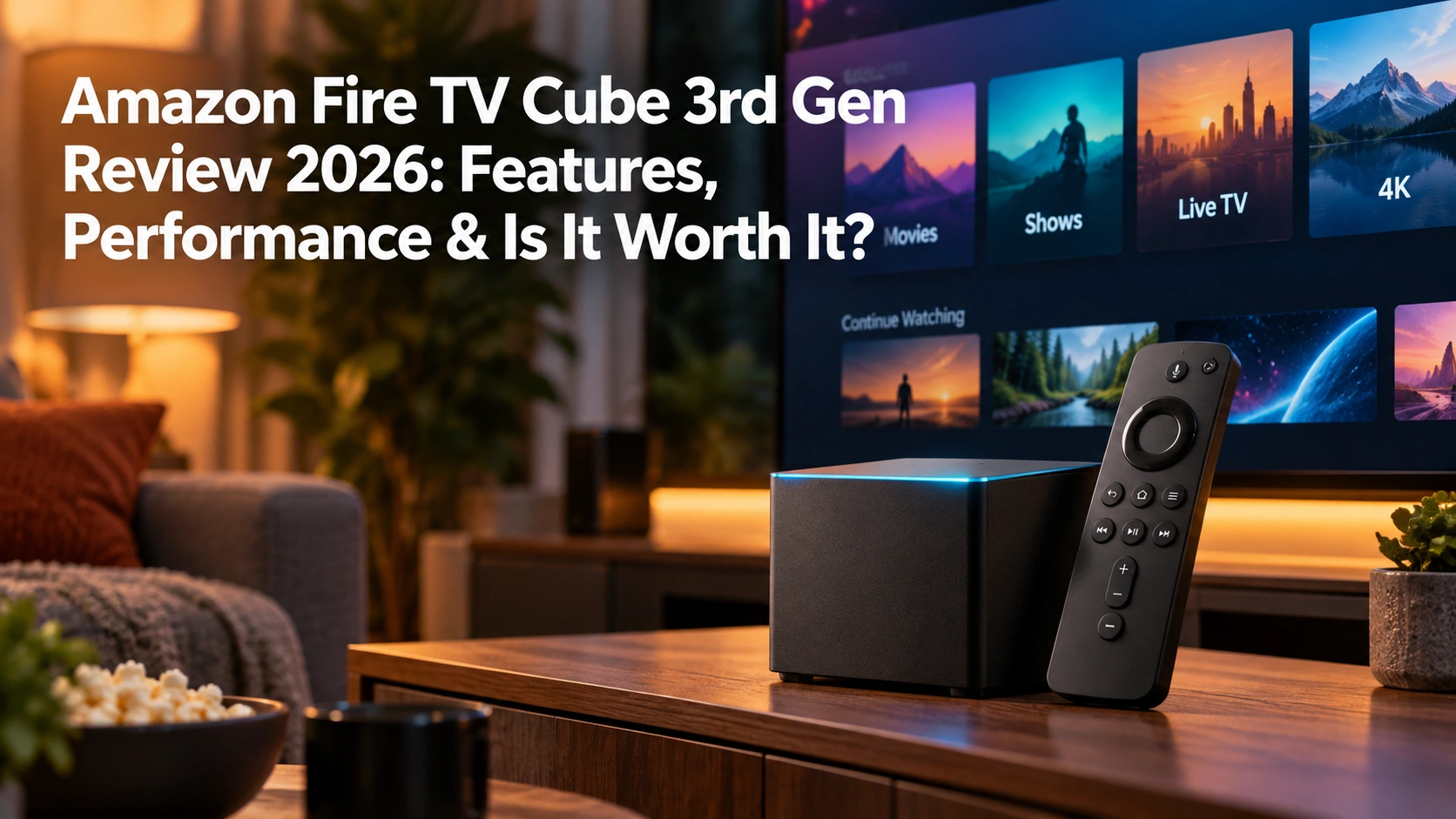
The Amazon Fire TV Cube 3rd Gen is more than just another streaming device. It combines 4K streaming, hands-free Alexa, and home-theater control in one compact box, making it one of Amazon’s most feature-packed Fire TV devices.
Even though this generation originally launched in 2022, it still offers plenty in 2026, including an octa-core processor, Wi-Fi 6E, 16 GB of storage, Dolby Vision, HDR10+, Dolby Atmos, HDMI input, built-in Ethernet, and USB connectivity.
The real question is whether you actually need all of that.
If you simply want to stream Netflix, Hulu, Disney+, Fubo, or similar services, a less expensive streaming stick may already do everything you need. But if you want a faster Fire TV device with hands-free voice control and the ability to work more closely with your home-theater equipment, the Fire TV Cube becomes much more interesting.
I haven’t personally used the Fire TV Cube 3rd Gen, so this review is based on its documented features, specifications, and available research. My own streaming-device experience has mainly been with Roku, which gives me a useful point of comparison when it comes to simplicity and everyday use.
So, is the Amazon Fire TV Cube 3rd Gen still worth buying in 2026? Let’s take a closer look.
What Is the Amazon Fire TV Cube 3rd Gen?
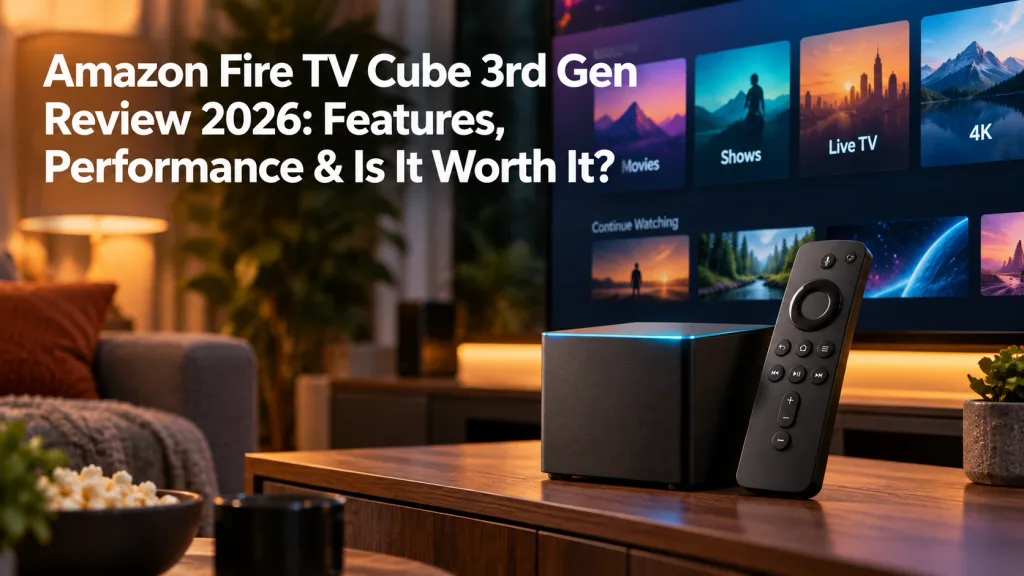
The Amazon Fire TV Cube 3rd Gen is Amazon’s premium streaming box. Like a Fire TV Stick, it connects to your television and gives you access to streaming apps, movies, TV shows, and live TV services.
The difference is that the Cube does much more than basic streaming.
It includes faster hardware, hands-free Alexa, an HDMI input, built-in Ethernet, USB connectivity, and support for controlling compatible TVs, soundbars, receivers, and other entertainment equipment.
That makes it more of a home-entertainment hub than a simple streaming player.
The Cube also supports 4K Ultra HD, Dolby Vision, HDR10+, Dolby Atmos, Wi-Fi 6E, and 16 GB of internal storage. These extra features are what separate it from Amazon’s less expensive Fire TV Stick models.
For viewers who only want an easy way to open streaming apps, the Cube may be more than they need. But for someone who wants voice control, more connectivity options, and more home-theater integration, it offers quite a bit more.
Fire TV Cube 3rd Gen Specs at a Glance
| Feature | Fire TV Cube 3rd Gen |
|---|---|
| Maximum Resolution | 4K Ultra HD |
| Processor | Octa-core |
| RAM | 2 GB |
| Storage | 16 GB |
| HDR Support | Dolby Vision, HDR10+, HDR10 |
| Audio | Dolby Atmos |
| Wi-Fi | Wi-Fi 6E |
| Ethernet | Built-in 10/100 Mbps |
| Bluetooth | Bluetooth 5.0 + BLE |
| HDMI Output | Yes |
| HDMI Input | Yes |
| USB | USB-A |
| Voice Control | Hands-free Alexa |
| Video Codec | AV1 |
| Upscaling | Super Resolution Upscaling |
| Included Remote | Alexa Voice Remote |
The specs show why the Fire TV Cube sits above Amazon’s basic streaming sticks. Its biggest advantages are the faster hardware, HDMI input, built-in Ethernet, USB connectivity, Wi-Fi 6E, and hands-free Alexa.
Design and Setup
The Fire TV Cube 3rd Gen is designed to sit near your television rather than hide behind it like a streaming stick. Its fabric-covered exterior gives it more of a smart-speaker look than a traditional streaming box.
Setup is fairly straightforward. Connect the Cube to your TV and power, then connect it to your home network. From there, you can add compatible equipment such as a soundbar, receiver, or cable box if you want to use the Cube’s home-theater controls.
Because the Cube has built-in microphones for hands-free Alexa, placement matters. It works best where it can hear your voice clearly rather than being hidden inside a closed cabinet.
If you’re only using it for streaming, setup should be simple. The extra complexity comes only if you decide to connect and control additional home-theater equipment.
Performance and Speed
The Fire TV Cube 3rd Gen uses an octa-core processor, giving it more power than Amazon’s basic streaming sticks. Amazon said the third-generation Cube offered about 20% more processing power than the previous model.
In everyday use, that extra power is meant to improve menu navigation, app loading, and overall responsiveness. It also helps the Cube handle its additional Alexa and home-theater features without slowing down the basic streaming experience.
The Cube includes 2 GB of RAM and 16 GB of storage. Amazon lists about 11.6 GB as available after system files are taken into account.
For most households, that should be enough for streaming apps and everyday use. Heavier users who install a large number of apps or store local media may eventually want more space.
4K, Dolby Vision, HDR and Picture Quality

The Fire TV Cube 3rd Gen supports streaming at up to 4K Ultra HD with a compatible TV, streaming service, and content.
It also supports major HDR formats, including Dolby Vision, HDR10+, and HDR10. These formats can improve contrast, brightness, and color when the content and television both support them.
The Cube also supports AV1 video decoding, a newer codec used by some major streaming services to deliver high-quality video more efficiently.
Of course, the Cube can only display the quality your TV and streaming service provide. If a movie is available only in HD, the Cube cannot turn it into true native 4K.
Overall, the Fire TV Cube has the video-format support you would expect from a premium 4K streaming device in 2026.
Super Resolution Upscaling
The Fire TV Cube 3rd Gen includes Super Resolution Upscaling, which is designed to improve the appearance of lower-resolution video on a 4K TV.
It can enhance perceived sharpness, clarity, and detail, but it does not turn HD content into true native 4K.
This feature can be useful if you watch a mix of older HD programming and newer 4K content. I would consider it a nice extra rather than a main reason to buy the Cube.
Dolby Atmos and Audio Support
The Fire TV Cube 3rd Gen supports Dolby Atmos, along with 7.1 surround sound, 5.1 audio passthrough, and stereo audio.
Dolby Atmos can create a more immersive listening experience by placing sound around the room rather than relying only on traditional left and right channels.
To get Dolby Atmos, however, the movie or show, streaming service, and your audio equipment all need to support it. A compatible soundbar or A/V receiver may also be required depending on your setup.
For viewers with a home-theater system, the Cube has the audio support expected from a premium streaming device. For everyone else, it also works with a standard TV or simpler audio setup.
Wi-Fi 6E and Ethernet
The Fire TV Cube 3rd Gen supports Wi-Fi 6E, including the 6 GHz band when used with a compatible router.
That extra band can help reduce congestion in homes with a lot of connected devices. You do not need a Wi-Fi 6E router to use the Cube, but you will need one to take advantage of the 6 GHz connection.
The Cube also includes built-in Ethernet for anyone who prefers a wired connection.
One limitation is that the Ethernet port is capped at 100 Mbps rather than Gigabit speeds. That is still enough for normal 4K streaming, but users with very high-bitrate local media may notice the restriction.
HDMI Input and Home-Theater Control
One of the Fire TV Cube’s most unusual features is its HDMI input.
You can connect compatible equipment, such as a cable or satellite box, through the Cube and then use Alexa and Fire TV controls to help manage that equipment.
The Cube can also work with compatible TVs, soundbars, and A/V receivers, which makes it more of a home-entertainment hub than a basic streaming player.
This feature is most useful for people who still use traditional TV equipment or have a more complex home-theater setup. If you only stream through apps, you may never need the HDMI input at all.
Hands-Free Alexa
Hands-free Alexa is one of the biggest differences between the Fire TV Cube and a standard streaming stick.
The Cube has built-in microphones, so you can use voice commands without picking up the remote. Depending on your compatible equipment and services, Alexa can search for shows, open apps, control playback, change inputs, and control some TVs, soundbars, receivers, and smart-home devices.
You can still use the included Alexa Voice Remote whenever you prefer.
Whether this feature matters depends on how much you already use Alexa. If your home is built around Alexa, hands-free control could be very convenient. If you rarely use voice assistants, it may not add much value.
Fire TV Software and Apps in 2026
The Fire TV Cube 3rd Gen gives you access to the major streaming apps most cord-cutters use, including Netflix, Prime Video, Hulu, Disney+, Max, Paramount+, Peacock, YouTube, YouTube TV, Sling TV, Fubo, and DIRECTV.
Paid services still require their own subscriptions, of course.
Amazon refreshed the Fire TV interface in 2026, but the overall experience still puts Amazon content, recommendations, and sponsored material front and center. Some people will like the personalized approach, while others may prefer a simpler home screen.
This is one area where my Roku experience is different. I have always liked Roku’s straightforward, plug-and-play approach. Fire TV offers deeper Alexa integration and more home-theater control, while Roku has always felt simpler to me for basic streaming. For a broader side-by-side look at the two platforms, my Roku vs. Fire TV 2026: Which Streaming Device Is Better? comparison covers ease of use, interface, performance, Alexa, smart-home features, and more.
The Cube continues to receive Fire TV software updates, so its 2022 release date does not mean the software has been left behind.
If you are deciding between Amazon’s premium streamer and Roku’s top box, my Fire TV Cube vs. Roku Ultra 2026 comparison breaks down the differences in performance, interface, remote, Alexa, smart-home features, and everyday ease of use.
Storage, USB and Bluetooth
The Fire TV Cube 3rd Gen includes 16 GB of internal storage, with about 11.6 GB available after system files are taken into account.
A USB-A port adds extra flexibility by allowing compatible storage devices and other supported accessories to be connected.
The Cube also supports Bluetooth 5.0 + BLE. Compatible Bluetooth headphones can be paired for private listening, which is useful when you want to watch TV without disturbing anyone else.
Bluetooth can also be used with compatible game controllers, keyboards, mice, and some third-party remotes.
Overall, the Cube offers considerably more connectivity than a typical streaming stick, which is one of the main reasons it feels more like a full-featured streaming box than a simple plug-in device.
Alexa Voice Remote

The Fire TV Cube 3rd Gen includes an Alexa Voice Remote, giving you traditional remote control in addition to hands-free Alexa.
You can use the remote to navigate menus, control playback, search with your voice, and handle normal TV functions without relying entirely on voice commands from across the room.
Amazon also offers the Alexa Voice Remote Pro as a separate upgrade. It adds features such as backlit buttons, a Remote Finder, and two customizable shortcut buttons.
The important thing to remember is that the Voice Remote Pro is not included with the Fire TV Cube. For many viewers, the standard Alexa Voice Remote should provide everything needed for everyday streaming.
Fire TV Cube 3rd Gen Pros and Cons
Pros
- Fast octa-core processor
- 4K Ultra HD with Dolby Vision, HDR10+, and HDR10
- Dolby Atmos support
- Wi-Fi 6E
- Built-in Ethernet
- HDMI input
- USB-A connectivity
- 16 GB of storage
- Hands-free Alexa
- Bluetooth headphone support
- Super Resolution Upscaling
- Strong home-theater control features
Cons
- More expensive than a basic streaming stick
- Ethernet is limited to 100 Mbps
- Fire TV can feel heavily focused on Amazon content and promotions
- 16 GB of storage may be limiting for heavy users
- Many viewers may never use the HDMI input or hands-free Alexa
- Alexa Voice Remote Pro costs extra
- The hardware originally launched in 2022
The Cube offers a lot of capability, but the value really depends on whether you will use its extra features. If you only need basic streaming, a less expensive device may make more sense.
Fire TV Cube vs. Fire TV Stick
The Fire TV Cube and Fire TV Stick both give you access to the same basic Fire TV streaming platform, but they are aimed at different types of users.
A Fire TV Stick is the better fit for someone who mainly wants a simple, lower-cost way to stream movies, shows, and live TV.
The Cube adds several premium features, including:
- Faster hardware
- Hands-free Alexa
- HDMI input
- Built-in Ethernet
- USB-A connectivity
- More storage than many Fire TV Stick models
- More extensive home-theater control
The real question is whether you will use those extras.
If your main goal is to open streaming apps and watch TV, a Fire TV Stick may already be enough. If you want deeper Alexa integration, more connections, and better control over compatible home-theater equipment, the Cube offers considerably more.
Who Is the Fire TV Cube 3rd Gen Best For?
The Fire TV Cube 3rd Gen makes the most sense for people who want more than basic streaming.
It is especially well suited for:
- Alexa households that already use voice control and smart-home devices
- Home-theater users who want HDMI input, Ethernet, USB connectivity, and equipment control
- Cable or satellite users who want to combine traditional TV equipment with streaming
- Viewers who want a faster Fire TV experience with more storage and connectivity than many streaming sticks
- People with Wi-Fi 6E routers who can take advantage of the 6 GHz band
- Anyone trying to reduce remote clutter by using Alexa to control compatible TVs, soundbars, receivers, and other equipment
The Cube is at its best when those extra features are actually being used. That is where it starts to justify its higher price compared with a basic streaming stick.
Who Should Skip It?
The Fire TV Cube 3rd Gen may be more device than you need if your main goal is simply to stream movies, shows, and live TV.
You may want to skip it if you:
- Rarely or never use Alexa
- Do not need an HDMI input
- Have no use for Ethernet or USB connectivity
- Prefer a simpler streaming interface
- Already own a streaming device that does everything you need
- Want the lowest-cost way to get 4K streaming
If you are only going to open a few streaming apps and watch TV, a Fire TV Stick, Roku, onn. 4K Pro, or another lower-cost streamer may be the better fit. The Cube makes more sense when you will actually use its extra power, connectivity, and home-theater features.
Is the Amazon Fire TV Cube 3rd Gen Worth It in 2026?
The Fire TV Cube 3rd Gen can still make sense in 2026, but mainly for people who will use its extra features.
Its strengths go well beyond basic streaming. You get Wi-Fi 6E, HDMI input, built-in Ethernet, USB-A, hands-free Alexa, Dolby Vision, Dolby Atmos, and stronger home-theater integration than you will find on most inexpensive streaming sticks.
That said, the Cube originally launched in 2022, so I would pay close attention to its current price before buying. If it is heavily discounted, it can be much easier to justify. At full premium pricing, the decision becomes more complicated because less expensive streaming devices already handle 4K streaming very well.
The biggest question is whether you actually need what makes the Cube different. If you plan to use Alexa, HDMI input, wired networking, and home-theater controls, it still offers a lot of value. If you only want to open streaming apps and watch TV, a cheaper streaming device may handle your streaming needs just as well.
Final Thoughts
The Amazon Fire TV Cube 3rd Gen is one of the most feature-packed streaming devices Amazon has made. It delivers 4K streaming, Dolby Vision, Dolby Atmos, Wi-Fi 6E, HDMI input, Ethernet, USB connectivity, hands-free Alexa, and strong home-theater control in one compact box.
What stands out to me is how much power and flexibility Amazon packed into the Cube—and then limited the Ethernet port to 100 Mbps. That still works fine for normal 4K streaming, but on a device this capable, Gigabit Ethernet would have made more sense.
The Fire TV interface is another consideration. When I bought my first Roku, I seriously considered going with Fire TV instead. One of the things that pushed me toward Roku was hearing that Fire TV tended to promote Amazon content heavily. Years later, Fire TV is still often criticized for putting Amazon content and promotions front and center. I ended up choosing Roku, and I’ve been very happy with its simple, plug-and-play approach.
That doesn’t mean the Cube is a bad choice. Far from it. If you use Alexa, want more home-theater control, or need features like HDMI input and built-in Ethernet, the Cube offers a lot that a basic streaming stick does not.
👉 If you want a powerful Fire TV device with hands-free Alexa and home-theater control, the Fire TV Cube 3rd Gen is worth a serious look.
👉 If you only need simple 4K streaming, you may be able to save money with a Fire TV Stick, Roku, or another lower-cost streaming device.
👉 Before buying, compare the Cube’s current price with other premium streamers like the Apple TV 4K and decide whether you will actually use the extra features you are paying for.
For me, the best streaming device is always the one that makes watching TV easier—not more complicated.
I will watch what I want to watch, when I want to watch it.
Thanks for visiting,
Mark