
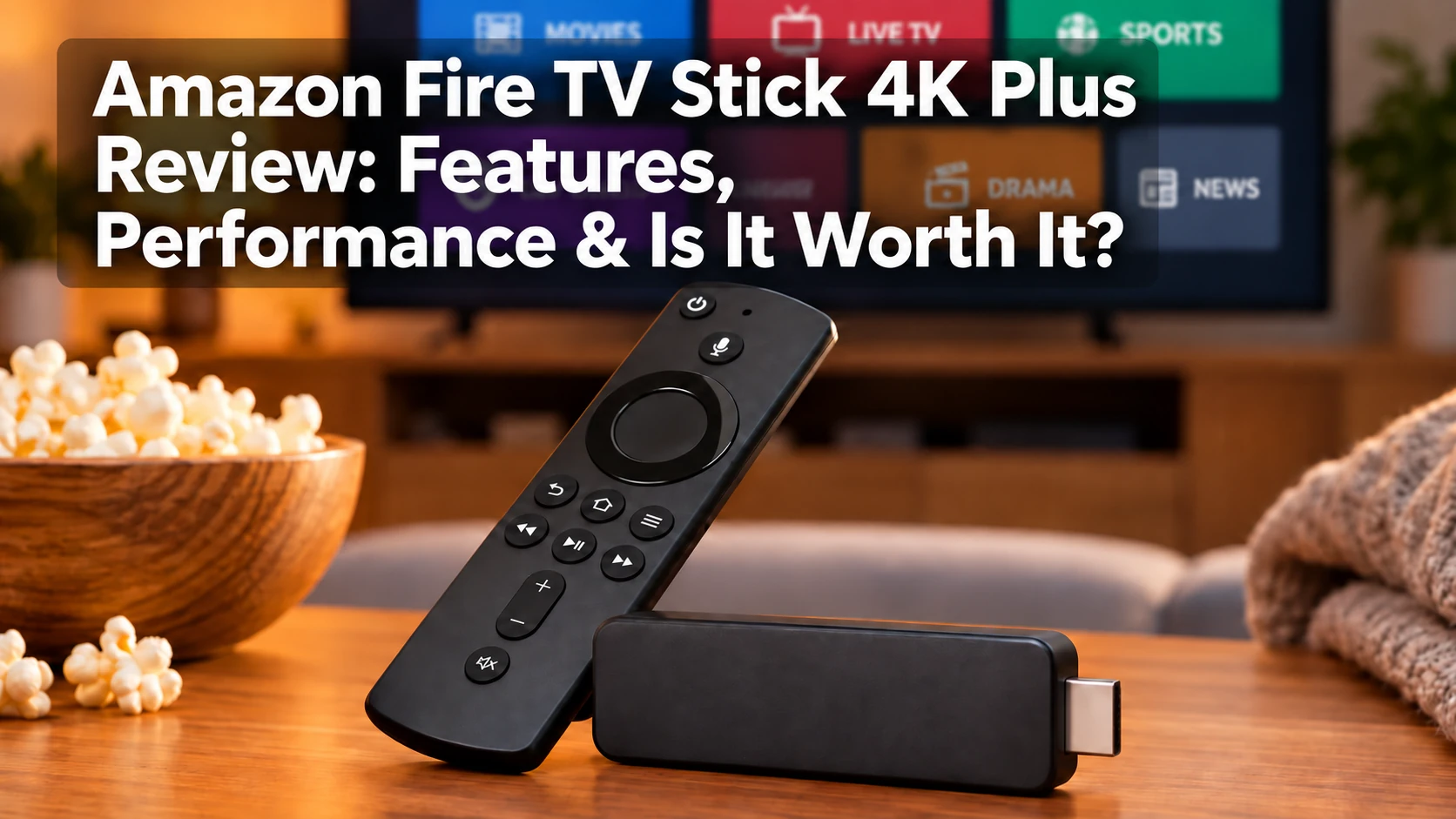
Amazon’s Fire TV lineup has several 4K streaming options, and the Fire TV Stick 4K Plus sits between the more basic models and the higher-end Fire TV Stick 4K Max.
It supports 4K Ultra HD, Dolby Vision, HDR10+, Dolby Atmos, Wi-Fi 6, and Alexa voice control, giving it most of the features people expect from a modern streaming device without moving to Amazon’s most expensive hardware.
My own experience with streaming devices has been almost entirely with Roku, and I have always appreciated how easy Roku is to use. That makes the Fire TV Stick 4K Plus especially interesting to me as someone who values simplicity.
There is one important detail to understand before buying it. Despite the 4K Plus name, this is not an entirely new generation of Fire TV hardware. It is essentially the recent Fire TV Stick 4K under Amazon’s updated naming system.
In this review, I’ll look at its features, performance, picture and sound support, storage, Alexa integration, and how it compares with Amazon’s other 4K streaming sticks to see whether it is worth buying in 2026.
What Is the Amazon Fire TV Stick 4K Plus?
The Amazon Fire TV Stick 4K Plus is a compact streaming device that plugs into an HDMI port on your television and connects to your home Wi-Fi network.
It gives you access to popular streaming services such as Prime Video, Netflix, Disney+, Hulu, Max, Peacock, Paramount+, YouTube, YouTube TV, Sling TV, Fubo, DIRECTV, and Apple TV.
The device supports 4K Ultra HD streaming up to 60 fps, along with Dolby Vision, HDR10+, and Dolby Atmos on compatible televisions, audio equipment, and content.
It also includes an Alexa Voice Remote, allowing you to search for programs, open apps, control playback, and use supported Alexa commands.
The Fire TV Stick 4K Plus can be especially useful if your smart TV is older, its built-in apps have become slow, or you simply want a separate streaming platform with access to a large selection of apps.
Fire TV Stick 4K Plus Specifications
Here are the main specifications for the Amazon Fire TV Stick 4K Plus:
| Feature | Fire TV Stick 4K Plus |
|---|---|
| Maximum Resolution | 4K Ultra HD up to 60 fps |
| Processor | Quad-core up to 1.7 GHz |
| RAM | 2 GB |
| Storage | 8 GB |
| Wi-Fi | Wi-Fi 6 |
| Bluetooth | Bluetooth 5.2 + BLE |
| HDR | Dolby Vision, HDR10, HDR10+, HLG |
| Audio | Dolby Atmos, Dolby Digital, Dolby Digital Plus |
| Operating System | Fire OS 8 |
| Remote | Alexa Voice Remote |
| Ethernet | Optional adapter required |
The specifications are strong for everyday streaming, although the 8 GB of storage is one of its main limitations, especially for people who install a large number of apps or games.
What Changed With the Fire TV Stick 4K Plus Name?
The Fire TV Stick 4K Plus sounds like a brand-new model, but it is essentially the recent second-generation Fire TV Stick 4K under Amazon’s updated naming system.
That means there is no major jump in processor speed, storage, picture quality, or overall performance compared with that recent Fire TV Stick 4K.
If you already own that model, upgrading to the 4K Plus probably will not make much sense.
The new name mainly helps show where it fits in Amazon’s lineup: above the Fire TV Stick 4K Select and below the Fire TV Stick 4K Max.
Design and Setup
The Fire TV Stick 4K Plus is small enough to stay mostly hidden behind your television.
Setup is simple: plug it into an HDMI port, connect the power cable, select the correct TV input, connect to Wi-Fi, and sign in with your Amazon account.
The included HDMI extender can help if space behind the television is tight.
The stick still needs a separate power connection, and its HDMI connection alone does not provide power.
Fire TV Stick 4K Plus Performance
The Fire TV Stick 4K Plus uses a quad-core processor running up to 1.7 GHz with 2 GB of RAM.
For everyday streaming, that should be enough for smooth menu navigation, app launching, and switching between major streaming services.
It is not Amazon’s most powerful Fire TV device, but it has the hardware needed for normal 4K streaming without requiring the more expensive Fire TV Stick 4K Max or Fire TV Cube.
Actual performance still depends on your internet connection, Wi-Fi network, router, and the streaming service you are using.
4K Picture Quality, Dolby Vision and HDR10+
The Fire TV Stick 4K Plus supports 4K Ultra HD up to 60 fps, along with Dolby Vision, HDR10, HDR10+, and HLG.
On a compatible television, these HDR formats can improve brightness, contrast, and color in supported movies and shows.
Keep in mind that not everything you watch will automatically appear in 4K or HDR. The television, streaming service, subscription plan, and individual program all need to support the format.
Dolby Atmos and Audio Performance
The Fire TV Stick 4K Plus supports Dolby Atmos, Dolby Digital, and Dolby Digital Plus.
With compatible content and audio equipment, Dolby Atmos can provide a more immersive surround-sound experience.
Not every streaming service, movie, or subscription plan supports Atmos, so actual audio quality will depend on the content and equipment you use.
Wi-Fi 6 and Streaming Performance
The Fire TV Stick 4K Plus supports Wi-Fi 6, which can improve network efficiency and stability on compatible routers, especially in homes with many connected devices.
It also works with older Wi-Fi networks.
Unlike the Fire TV Stick 4K Max, it does not support Wi-Fi 6E.
For wired internet, you will need a compatible Ethernet adapter because Ethernet is not built in.
Fire TV Interface and Alexa Voice Control
The Fire TV Stick 4K Plus uses Amazon’s Fire TV interface, which combines apps, recommendations, live content, and promotional material on the home screen.
The included Alexa Voice Remote lets you search for programs, open apps, control playback, and adjust TV power and volume on compatible equipment.
Since most of my streaming-device experience has been with Roku, I am used to a very simple interface. Fire TV takes a different approach by putting more emphasis on recommendations and Amazon content.
That may appeal to Prime Video and Alexa users, while viewers who prefer a simpler home screen may still favor Roku.
Want to see how Roku compares with Amazon? My Roku Streaming Stick 4K vs. Fire TV Stick 4K (2026): Which Is Better? comparison explores the differences in everyday streaming.
Streaming Apps and Entertainment Options
Fire TV supports most major streaming services, including Prime Video, Netflix, Disney+, Hulu, Max, Peacock, Paramount+, YouTube, YouTube TV, Sling TV, Fubo, DIRECTV, and Apple TV.
There are also many free ad-supported streaming apps available.
Buying the Fire TV Stick 4K Plus does not include subscriptions to paid services, so you will still need separate accounts for services such as Netflix, Hulu, or Fubo.
App availability can change over time, but Fire TV offers a broad selection for both on-demand and live-TV streaming.
Gaming on the Fire TV Stick 4K Plus
The Fire TV Stick 4K Plus supports casual games and cloud-gaming services such as Amazon Luna and Xbox Cloud Gaming where available.
A compatible controller and separate subscription may be required, and cloud-gaming quality depends heavily on internet speed and latency.
I would view gaming as a useful extra rather than a main reason to buy the Fire TV Stick 4K Plus. It is primarily a streaming device, not a replacement for a dedicated game console.
Fire TV Stick 4K Plus Storage
The Fire TV Stick 4K Plus includes 8 GB of internal storage, and some of that space is used by Fire OS and system files.
That should be enough for a typical collection of streaming apps, but people who install many apps or games may find it limiting.
This is one advantage of the Fire TV Stick 4K Max, which offers 16 GB of storage and gives heavier users more room to work with.
Fire TV Stick 4K Plus vs. Fire TV Stick 4K Select
The Fire TV Stick 4K Select is the less expensive option, while the 4K Plus offers more memory and broader premium video support.
The 4K Plus includes 2 GB of RAM compared with 1 GB in the 4K Select, and it also supports Dolby Vision.
If price is your main concern, the 4K Select can handle basic 4K streaming. If you want more memory and Dolby Vision support, the 4K Plus offers clear advantages over the 4K Select.
Fire TV Stick 4K Plus vs. Fire TV Stick 4K Max
The Fire TV Stick 4K Max sits above the 4K Plus in Amazon’s lineup.
Both support 4K, Dolby Vision, HDR10+, Dolby Atmos, and 2 GB of RAM, but the Max adds 16 GB of storage and Wi-Fi 6E, compared with 8 GB and Wi-Fi 6 on the 4K Plus.
For normal streaming, the 4K Plus should be enough for most households. The Max makes more sense if you want extra storage, have a Wi-Fi 6E router, or simply want Amazon’s higher-end Fire TV Stick.
Fire TV Stick 4K Plus Pros and Cons
Pros
- 4K Ultra HD streaming
- Dolby Vision and HDR10+
- Dolby Atmos support
- Wi-Fi 6
- Alexa Voice Remote
- 2 GB of RAM
- Wide selection of streaming apps
- Compact design
- Good option for upgrading an older smart TV
Cons
- Only 8 GB of storage
- No Wi-Fi 6E
- No built-in Ethernet port
- Fire TV home screen includes promotional content
- Not a meaningful upgrade from the recent Fire TV Stick 4K
- Fire TV Stick 4K Max offers more storage and higher-end features
Who Is the Fire TV Stick 4K Plus Best For?
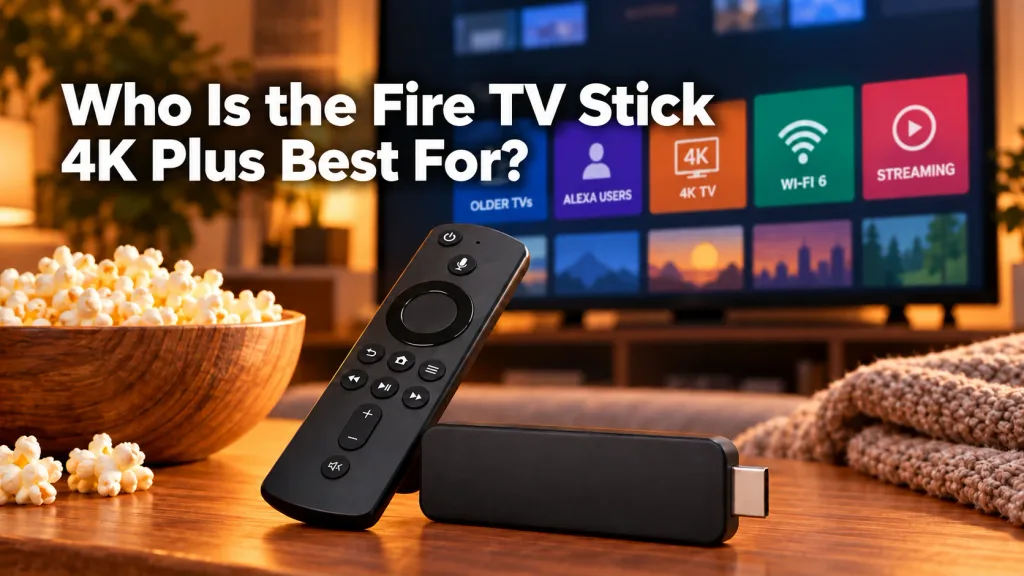
The Fire TV Stick 4K Plus is a good fit for people who want affordable 4K streaming with Dolby Vision, Wi-Fi 6, Alexa, and broad app support.
It makes the most sense for:
- Owners of older smart TVs with slow built-in apps
- People upgrading from an older HD streaming stick
- Prime Video and Alexa users
- Viewers who want Dolby Vision and HDR10+
- Households with Wi-Fi 6
- People who want a compact streaming device without paying for Amazon’s higher-end models
It is less appealing if you already own the recent Fire TV Stick 4K, need more storage, want Wi-Fi 6E, or prefer a simpler interface like Roku.
Is the Amazon Fire TV Stick 4K Plus Worth It in 2026?
For many households, the Fire TV Stick 4K Plus offers a good balance of features and price in 2026.
You get 4K streaming, Dolby Vision, HDR10+, Dolby Atmos, Wi-Fi 6, Alexa voice control, and broad app support in a compact device.
Its biggest drawbacks are the 8 GB of storage and the fact that it is not a meaningful upgrade from the recent Fire TV Stick 4K.
If you are replacing an older streaming stick or a slow smart-TV interface, the 4K Plus makes much more sense. If you already own the recent Fire TV Stick 4K or want more storage and Wi-Fi 6E, the Fire TV Stick 4K Max is worth considering instead.
Final Thoughts
The Amazon Fire TV Stick 4K Plus is a solid middle-ground choice for people who want 4K streaming, Dolby Vision, Dolby Atmos, Wi-Fi 6, Alexa, and access to a wide range of streaming apps without stepping up to Amazon’s more expensive hardware.
The limited 8 GB of storage is worth keeping in mind, and I would also think twice about upgrading if you already own the recent Fire TV Stick 4K.
For someone coming from an older streaming stick or a slow smart-TV interface, though, the 4K Plus offers plenty of capability for everyday streaming.
👉 If you want more storage and Wi-Fi 6E, compare it with the Fire TV Stick 4K Max before buying.
👉 If you are looking for a lower cost 4K option, take a look at the Fire TV Stick 4K Select as well.
👉You can also compare the onn. 4K Pro if you want another affordable 4K option.
👉 If simplicity matters to you as much as it does to me, especially if you are used to Roku, take a close look at the Fire TV interface before deciding.
As always, my goal is simple:
I will watch what I want to watch, when I want to watch it.
Thanks for visiting,
Mark