
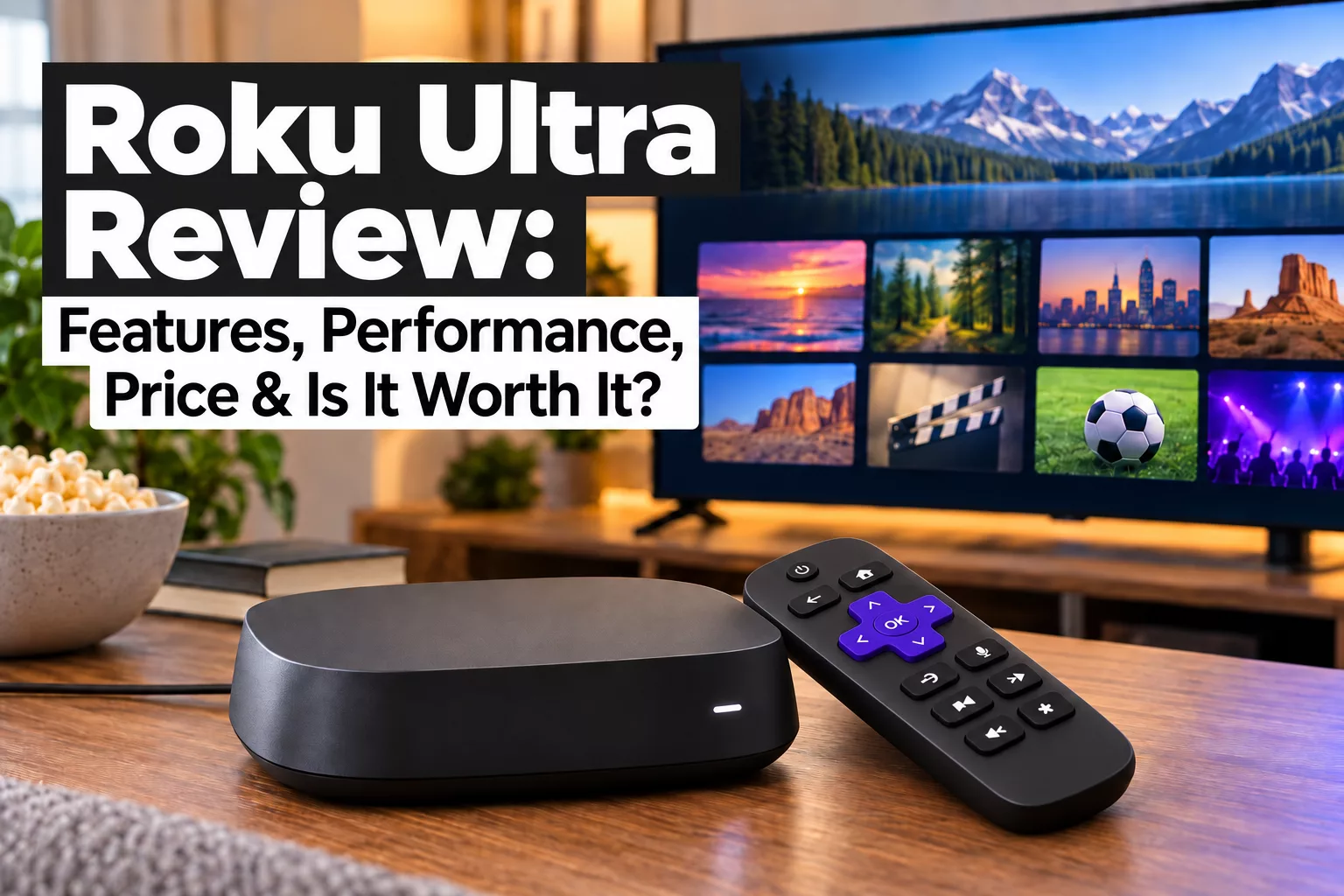
The Roku Ultra is Roku’s premium standalone streaming player, built for people who want more than basic 4K streaming.
It combines Roku’s familiar interface with faster hardware, Wi-Fi 6, Ethernet, Dolby Vision, Dolby Atmos, USB playback, and the rechargeable Voice Remote Pro. Those extras make it a more complete streaming device, but they also push the price well above Roku’s cheaper models.
That raises the real question: Do you need the Roku Ultra, or would a less expensive Roku give you everything you actually use?
In this Roku Ultra review, I’ll look at its features, performance, picture and sound support, remote, connectivity, and overall value. I’ll also explain who is most likely to benefit from the Ultra—and who may be better off saving money with a simpler Roku player.
What Is the Roku Ultra?
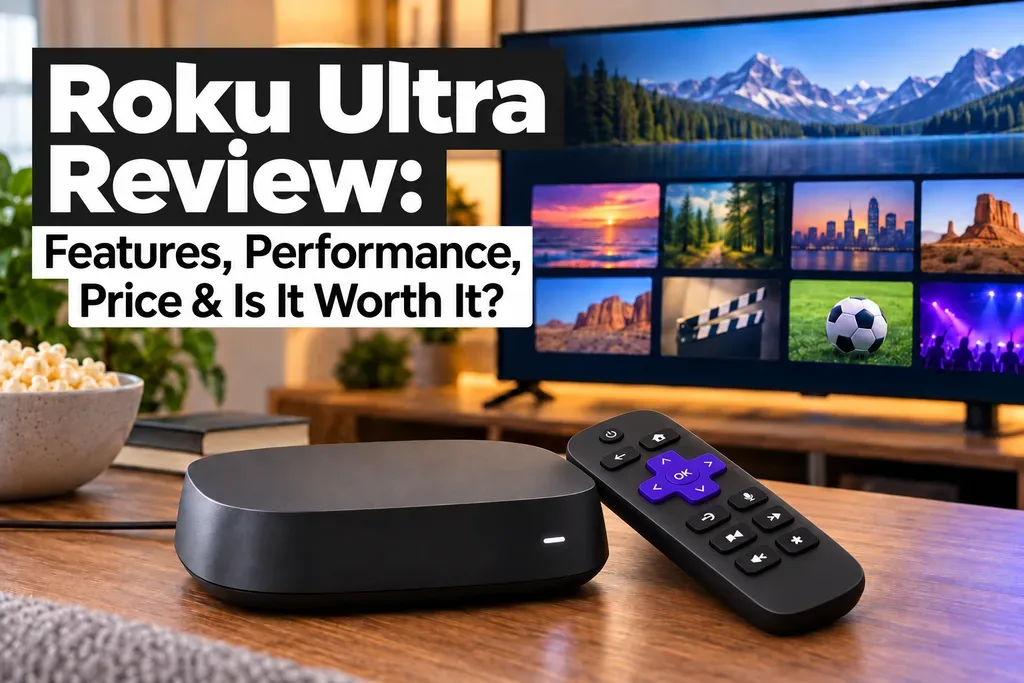
The Roku Ultra is Roku’s premium standalone streaming player. Unlike Roku’s stick-style models, it is a small box that sits near your television and connects through HDMI.
The current Roku Ultra, model 4850X, is designed for viewers who want Roku’s most complete streaming package rather than simply the lowest-cost way to stream. It supports 4K video, Dolby Vision, HDR10+, Dolby Atmos, Wi-Fi 6, Ethernet, USB playback, and Roku’s rechargeable Voice Remote Pro.
Roku also markets the Ultra as its fastest streaming player, although that performance claim comes from Roku rather than independent testing.
The biggest reason to consider the Ultra is that it combines Roku’s simple interface with premium connectivity and home-theater features that are not all included on cheaper Roku players.
Roku Ultra Features and Specifications
The Roku Ultra includes most of the premium features Roku currently offers in a standalone streaming player.
Key specifications include:
- 4K Ultra HD streaming up to 60 fps
- Dolby Vision
- HDR10 and HDR10+
- HLG support
- Dolby Atmos
- Wi-Fi 6
- Ethernet
- USB 3.0
- Bluetooth Headphone Mode
- Voice Remote Pro, 2nd edition
- Rechargeable remote battery
- Backlit remote buttons
- Hands-free voice control
- Lost-remote finder
- Premium High Speed HDMI cable included
The current model also uses an ARM Cortex-A55 processor with 2 GB of RAM.
On paper, that gives the Roku Ultra a strong mix of picture, sound, networking, and convenience features. The more important question is how much those extras improve everyday streaming, which I’ll look at in the sections ahead.
Roku Ultra Setup and Everyday Use
Setting up the Roku Ultra is simple. Connect the player to your TV with HDMI, plug it into power, then choose either Wi-Fi or Ethernet for your internet connection. Roku includes a Premium High Speed HDMI cable, so you normally will not need to buy one separately.
From there, the Roku setup walks you through signing into or creating a Roku account and adding your preferred streaming apps.
Everyday use is equally straightforward. Your apps appear on the Roku Home Screen and can be rearranged so your favorites stay easy to reach.
That simplicity is still one of Roku’s biggest strengths. You can open the service you want without navigating through an overly complicated interface.
Performance: How Fast Is the Roku Ultra?
Performance is one of the main reasons to choose the Roku Ultra over a cheaper Roku player.
Roku calls the Ultra its fastest streaming player and says it is about 30% faster than its other Roku players. That is Roku’s own performance claim rather than a result from my testing.
Compared with a less expensive Roku stick, the Ultra’s faster hardware should be most noticeable when opening apps, moving through menus, searching, and switching between services. However, once a movie or show is playing, a cheaper Roku with a good connection can deliver the same 4K content without the Ultra suddenly making the picture look better.
The Ultra is therefore more about speed and responsiveness than better streaming quality by itself.
And because it includes both Wi-Fi 6 and Ethernet, it also gives you more options for maintaining a reliable connection.
4K, HDR and Dolby Vision Picture Quality
The Roku Ultra supports 4K Ultra HD up to 60 frames per second, along with HDR10, HDR10+, HLG, and Dolby Vision.
If you have a compatible 4K HDR television, that gives the Ultra access to the major picture formats used by today’s streaming services.
Dolby Vision and HDR can improve brightness, contrast, and color range, but the Roku Ultra cannot create those benefits on its own. Your television and the movie or show you are watching must also support the format.
That matters when judging value. If you own a good Dolby Vision-capable TV, the Ultra’s broad format support helps you get more from that television. But if you have an older 1080p set or a basic 4K TV without Dolby Vision, picture quality alone may not justify paying extra for the Ultra.
For many buyers, its real value comes from combining premium picture support with faster hardware, Ethernet, and the upgraded remote.
Dolby Atmos and Audio Features
The Roku Ultra supports Dolby Atmos, giving it strong audio support for a premium streaming player.
Atmos can create a more immersive surround-sound experience when used with compatible content and equipment, such as an Atmos-capable soundbar or home-theater receiver.
However, this is another feature whose value depends on your setup. If you listen mainly through your TV’s built-in speakers, Dolby Atmos probably will not be a major reason to pay more for the Ultra.
For home-theater users, though, Atmos support helps the Roku Ultra make better use of a more advanced sound system.
The Ultra also supports digital stereo and DTS Digital Surround pass-through over HDMI, giving it flexibility with a variety of audio setups.
Roku Voice Remote Pro 2nd Edition
The Roku Ultra includes the Voice Remote Pro, 2nd edition, one of its best upgrades over cheaper Roku players.
The remote is rechargeable and includes backlit buttons, hands-free “Hey Roku” voice control, TV power and volume controls, a lost-remote finder, and a Quick Launch button for shortcuts.
These are convenience features rather than necessities, but they add real everyday value—especially if you often watch TV in a dark room or misplace the remote.
For many buyers, the premium remote may be one of the strongest reasons to choose the Roku Ultra instead of a less expensive Roku model.
Wi-Fi 6, Ethernet and Connectivity
The Roku Ultra supports dual-band Wi-Fi 6 and also includes an Ethernet port for a wired connection.
Wi-Fi 6 is useful if you have a compatible router, while Ethernet can provide a more consistent connection when Wi-Fi is weak or crowded.
The Ultra also includes a USB 3.0 port for playing compatible local media files.
These connectivity options are a big part of the Ultra’s value. Cheaper Roku players may be fine for basic wireless streaming, but the Ultra gives you more flexibility for a primary TV or home-theater setup.
Bluetooth Headphone Mode and Private Listening
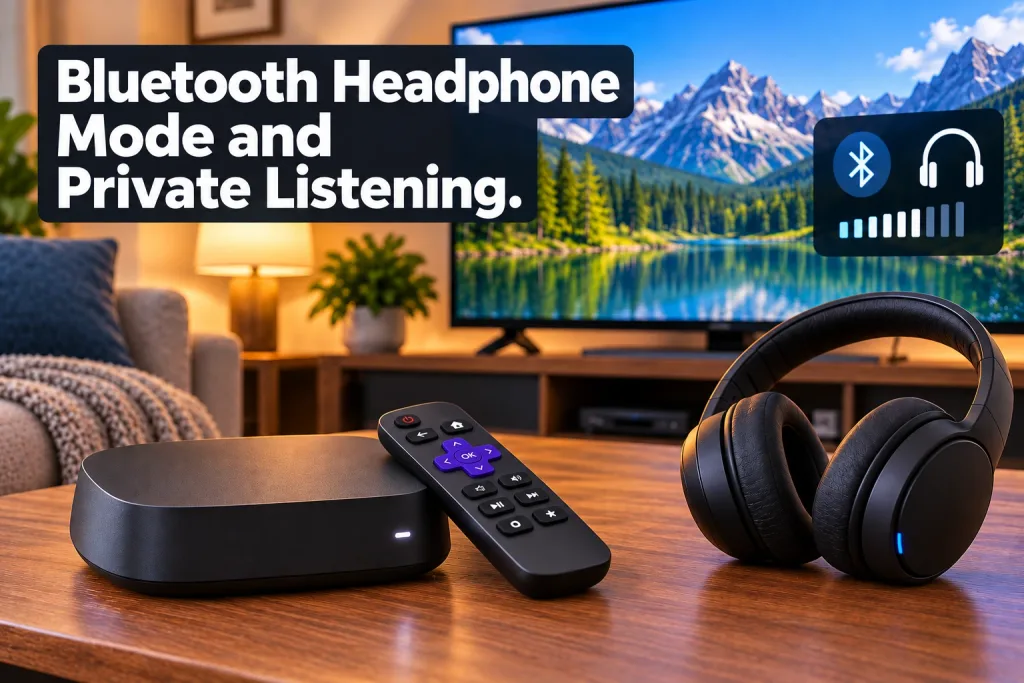
The Roku Ultra supports Bluetooth Headphone Mode, allowing you to pair compatible wireless headphones or earbuds directly with the player.
Setup is simple: open Settings > Remotes & devices > Wireless headphones, put your headphones into pairing mode, and select them when they appear.
You can also use private listening through the Roku mobile app with headphones connected to your phone or tablet.
These features are useful when you want to watch TV without disturbing someone else. They are not a reason by themselves to buy the Ultra, but they add useful flexibility.
Roku OS and Streaming Apps
The Roku Ultra runs Roku OS, which remains one of the easier streaming interfaces to learn and use.
Your installed apps appear on the Home Screen, and you can rearrange them so your favorites are easy to reach. Roku also includes search, recommendations, live-TV features, and access to The Roku Channel.
Major services such as Netflix, Prime Video, Disney+, Hulu, HBO Max, Peacock, Paramount+, YouTube, YouTube TV, Sling TV, and Fubo are available on Roku, although app availability can change.
Roku OS is not completely free of ads or promotions, but its straightforward layout is still one of the Ultra’s strongest everyday advantages.
Roku Ultra vs. Cheaper Roku Players
You do not need the Roku Ultra just to stream in 4K. The Roku Streaming Stick 4K can already handle 4K streaming and may be all many viewers need.
The Ultra mainly justifies its higher price through the extras: faster hardware, Wi-Fi 6, Ethernet, USB 3.0, Dolby Vision, Dolby Atmos, and the Voice Remote Pro.
If you mainly want Netflix, Hulu, YouTube, or similar apps on a secondary TV, a cheaper Roku is probably the better value.
The Ultra makes more sense for a primary television where you want better connectivity, a premium remote, stronger home-theater support, and the fastest Roku experience available.
It is also worth comparing the Ultra with the Apple TV 4K, Google TV Streamer 4K, Amazon Fire TV Cube 3rd Gen and Amazon Fire TV Stick 4K Max if you are shopping for a premium streamer. If you are deciding between the two platforms, my Roku vs. Fire TV 2026: Which Streaming Device Is Better? comparison takes a closer look at which ecosystem may be the better fit. For a closer matchup, see my Roku Ultra vs. Apple TV 4K comparison.
For a direct premium matchup, my Fire TV Cube vs. Roku Ultra 2026 comparison breaks down which one is the better fit for different types of streamers.
Roku Ultra Pros and Cons
Pros
- Roku’s fastest streaming player, according to Roku
- 4K, Dolby Vision, HDR10+, and Dolby Atmos support
- Wi-Fi 6 plus Ethernet
- USB 3.0 for local media
- Excellent rechargeable Voice Remote Pro
- Backlit buttons and lost-remote finder
- Simple Roku OS interface
Cons
- Costs much more than basic Roku players
- Many viewers will not need Ethernet or USB
- Cheaper Roku models can already stream in 4K
- Dolby Vision and Atmos require compatible equipment
- Roku OS includes ads and promotions
- May be unnecessary for a secondary TV
Who Is the Roku Ultra Best For?
The Roku Ultra is best suited for:
- 4K TV owners who want Dolby Vision and HDR support
- Home-theater users with Dolby Atmos-compatible equipment
- Viewers with weak or crowded Wi-Fi who would rather use Ethernet
- Heavy streamers who frequently switch between apps and want faster navigation
- People who watch TV at night and will use the backlit remote
- Anyone who regularly misplaces the remote and wants the lost-remote finder
- Users with local media files who can take advantage of USB playback
- Owners of older Roku players looking for a noticeable hardware upgrade
For a primary television, those extras can make the Ultra much easier to justify than they would be on a secondary TV.
Who May Not Need a Roku Ultra?
The Roku Ultra may be more than you need if you:
- Use a 1080p TV
- Only stream a few basic apps
- Are satisfied with your current Wi-Fi connection
- Do not use Dolby Vision or Dolby Atmos
- Have no need for Ethernet or USB playback
- Are buying a streamer for a bedroom or secondary TV
- Already own a newer Roku device that performs well
- Have a Roku TV and do not need a separate streaming box
For those viewers, a less expensive Roku player may deliver nearly everything they actually use without paying for premium features that go unused.
Roku Ultra Price: Is It Worth the Extra Money?
The Roku Ultra currently sells for $149.99, which puts it well above Roku’s cheaper streaming players.
That extra cost mainly pays for faster hardware, Wi-Fi 6, Ethernet, USB playback, Dolby Atmos, and the rechargeable Voice Remote Pro.
If you only need basic 4K streaming, the Ultra is probably more than you need. Roku’s cheaper 4K players can handle the essentials for much less money.
But if this will be your main streaming device and you will actually use the premium remote, Ethernet, stronger connectivity, and home-theater features, the higher price becomes easier to justify.
Other streaming devices may offer similar basics for less.
Is the Roku Ultra Worth It?
The Roku Ultra is worth it for viewers who want Roku’s most complete streaming player for a primary TV.
Its value comes from combining faster performance with premium connectivity, home-theater support, and Roku’s best remote.
If you mainly want inexpensive 4K streaming, a cheaper Roku is the smarter buy. But if you will use the Ultra’s premium connectivity, remote features, and home-theater capabilities, the extra cost is easier to justify.
In short, the Roku Ultra is not necessary for everyone—but it is a strong choice for buyers who want the best-equipped Roku player rather than the cheapest one.
Final Thoughts
The Roku Ultra is a premium streaming player, but its value depends on how many of those premium features you will actually use.
For a main 4K TV, the combination of fast performance, Dolby Vision, Dolby Atmos, Wi-Fi 6, Ethernet, USB playback, and the Voice Remote Pro makes it a strong all-around option.
If you only need basic 4K streaming, though, a cheaper Roku may be the better fit.
👉 Want more streaming-device reviews and comparisons? Check out my other guides to Roku, Fire TV, Apple TV, and more.
👉 Trying to cut the cord without giving up the channels and shows you enjoy? Keep exploring bethmark.com for practical streaming advice and reviews.
I will watch what I want to watch, when I want to watch it.
Thanks for visiting,
Mark