
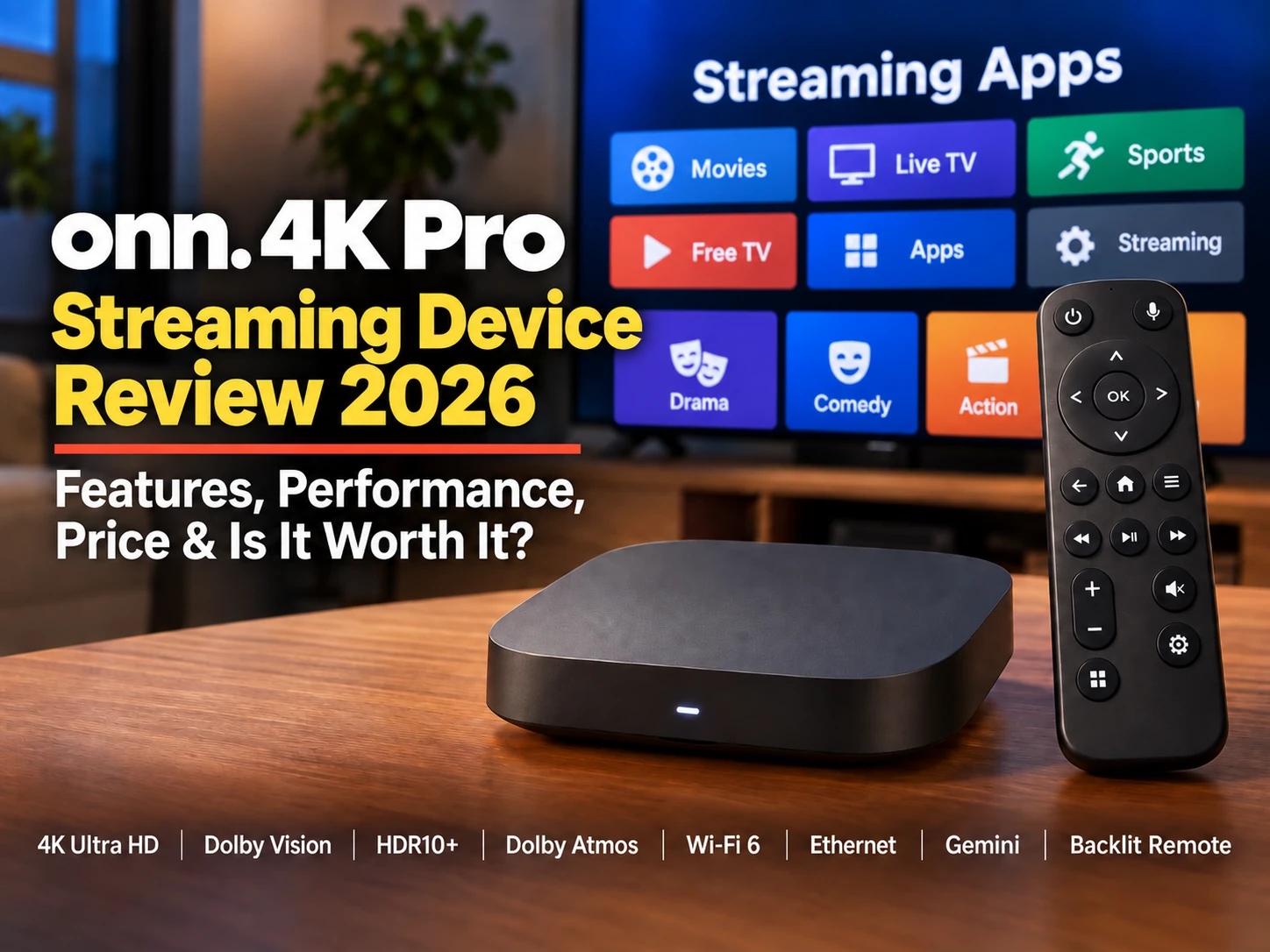
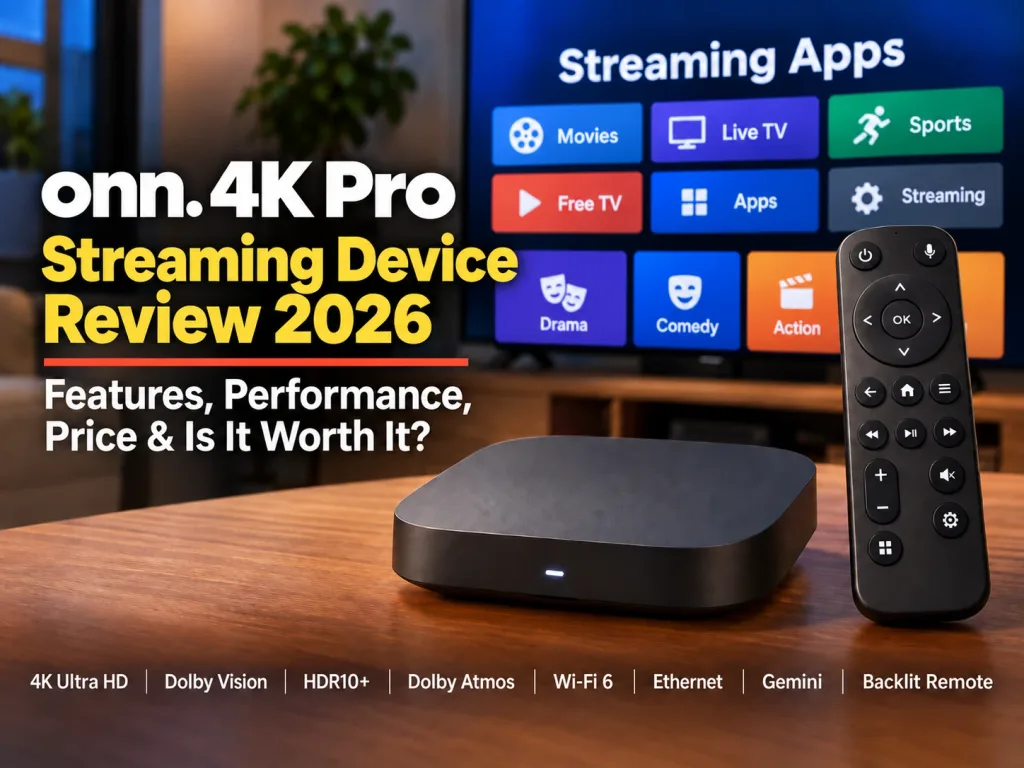
The 2026 onn. 4K Pro Streaming Device is Walmart’s higher-end Google TV streamer, offering 4K playback, Dolby Vision, Dolby Atmos, Wi-Fi 6, Ethernet, 32GB of storage, Gemini voice control, and a backlit remote for $59.98.
That is a strong feature list for the price, especially for cord-cutters who want more than a basic streaming stick without moving into premium-device pricing.
I have not personally owned or tested the onn. 4K Pro, so this review is based on published specifications and independent testing. We’ll look at its features, performance, strengths, weaknesses, and how it compares with other streaming devices to see whether it is worth considering in 2026.
What Is the onn. 4K Pro Streaming Device?
The onn. 4K Pro is Walmart’s higher-end Google TV streaming box. It connects to your television through HDMI and gives you access to popular streaming apps such as Hulu through the Google TV platform.
Unlike a basic streaming stick, the onn. 4K Pro includes features such as 32GB of storage, Wi-Fi 6, Ethernet, USB connectivity, Dolby Vision, Dolby Atmos, Gemini voice control, and a backlit remote.
The 2026 version also uses a newer Amlogic S905X5M processor and adds Matter over Thread support for compatible smart-home devices.
At $59.98, it is positioned as a step up from budget streaming sticks without moving into premium streaming-box pricing.
onn. 4K Pro Specs and Features
Here is a quick look at the key specifications of the 2026 onn. 4K Pro.
| Feature | onn. 4K Pro 2026 |
|---|---|
| Maximum Resolution | 4K Ultra HD |
| Operating System | Google TV |
| Processor | Amlogic S905X5M |
| RAM | 3GB |
| Storage | 32GB |
| Wi-Fi | Wi-Fi 6 |
| Ethernet | 10/100 Mbps |
| USB | USB 2.0 |
| HDR | Dolby Vision, HDR10, HDR10+ |
| Audio | Dolby Atmos |
| Voice Assistant | Gemini |
| Remote | Backlit with Find My Remote |
| Google Cast | Yes |
| Matter over Thread | Yes |
| Price | $59.98 |
The standout features at this price are 32GB of storage, Wi-Fi 6, Ethernet, Dolby Vision, Dolby Atmos, and the backlit remote with Find My Remote.
Setup and Google TV Interface
Setup is straightforward: connect the onn. 4K Pro to your TV with HDMI, plug in the power adapter, connect to Wi-Fi or Ethernet, and follow the Google TV setup prompts.
Google TV brings your apps, recommendations, movies, and shows together on one home screen. It can be convenient if you use several streaming services, although the interface is busier than Roku’s simpler app-focused layout.
For viewers already comfortable with Google TV, the onn. 4K Pro should feel familiar and easy to navigate.
Performance and 4K Streaming
The 2026 onn. 4K Pro uses an Amlogic S905X5M quad-core processor, along with 3GB of RAM and 32GB of storage.
Independent reviewers have generally found the device responsive during Google TV navigation and app launching, with reliable 4K streaming performance.
The 32GB of storage is a strong advantage for users who install a lot of streaming apps, while 3GB of RAM should be sufficient for normal everyday streaming.
For most cord-cutters, the onn. 4K Pro appears to offer solid performance without moving into premium-device pricing.
Dolby Vision, HDR and Dolby Atmos
The onn. 4K Pro supports 4K Ultra HD, Dolby Vision, HDR10, HDR10+, and Dolby Atmos.
In plain English, Dolby Vision, HDR10, and HDR10+ can improve brightness, contrast, and color, while Dolby Atmos can make sound feel more spacious and immersive with compatible equipment.
For viewers, that can mean brighter highlights, better detail in dark scenes, richer colors, and more lifelike sound when watching supported movies and shows. On a compatible 4K TV and sound system, the difference can make movies, sports, and other programming feel more immersive.
Your TV, audio system, streaming service, and the movie or show itself must also support the appropriate format.
For a streaming device in this price range, that is a strong combination of video and audio support.
Gemini and Hands-Free Voice Control
The 2026 onn. 4K Pro includes Gemini, Google’s AI-powered assistant. Gemini is the software that understands your request, searches for content, answers questions, offers recommendations, and can help control compatible smart-home devices through Google Home.
Voice control is simply the way you talk to Gemini. You can use the microphone button on the remote, or use the onn. 4K Pro’s hands-free voice feature and speak from across the room.
For example, you could say “Find action movies from the 1990s” or ask for a recommendation based on a type of movie you enjoy. Gemini handles the request, while voice control is how you give it the command.
These features should benefit Google TV users, smart-home households, and anyone who prefers voice commands over navigating menus.
There are limits. Gemini depends on supported apps, services, and smart-home devices, and it may not always interpret a request exactly as intended. Some simple tasks may still be faster with the remote.
Gemini is not the main reason to buy the onn. 4K Pro, but combined with hands-free voice control, it adds another useful feature to an already well-equipped streaming device.
The Backlit Remote and Find My Remote
The onn. 4K Pro includes a backlit remote, making the buttons easier to see when watching TV in a dark room.
It also includes Find My Remote, which can help locate the remote if it disappears under a cushion or gets left in another room.
For example, if you are watching TV at night and need to pause a movie or adjust the volume, the backlit buttons make it easier to find the right control without turning on a lamp. If the remote later disappears between the couch cushions, Find My Remote can help track it down.
These features may be especially useful for seniors, anyone who has trouble seeing remote buttons in low light, or anyone who frequently misplaces the remote.
Neither feature changes streaming performance, but both add practical everyday convenience.
Wi-Fi 6, Ethernet and USB Connectivity
The 2026 onn. 4K Pro supports Wi-Fi 6 and also includes a wired Ethernet port, giving you two ways to connect it to your home network.
Wi-Fi 6 can provide a faster and more stable wireless connection when paired with a compatible router. Ethernet can be useful if your TV setup is close enough to your router for a cable and you prefer the reliability of a wired connection.
The Ethernet port is limited to about 100 Mbps rather than Gigabit Ethernet, but that is still enough for normal 4K streaming.
The 2026 version also includes a USB 2.0 port. In practical terms, that can be useful for connecting compatible USB storage or accessing your own media files, such as videos, photos, or music.
For example, you could copy family videos or vacation photos to a USB flash drive, plug it into the onn. 4K Pro, and use a compatible media-player app to view them on your TV.
However, simply plugging in a USB drive does not guarantee every file will play. Playback depends on the app you use and whether the file format and video or audio codec are supported.
There is also a practical compatibility issue to keep in mind: not every USB drive, storage device, hub, or accessory will necessarily work as expected. Power requirements, formatting, and Google TV support can all affect compatibility.
One important distinction: the 2026 onn. 4K Pro uses USB 2.0, while the earlier onn. 4K Pro was sold with USB 3.0. That matters most to users who frequently transfer or play large local-media files.
Smart-Home Features and Matter over Thread
The 2026 onn. 4K Pro also supports Matter over Thread, which gives it a role beyond basic streaming.
In simple terms, Matter helps compatible smart-home products from different brands work together, while Thread provides a low-power wireless network for many newer smart-home devices.
For viewers, the main benefit is convenience while watching TV. If compatible devices are connected through Google Home, you can give a voice request to Gemini on the onn. 4K Pro. Gemini interprets the request, while Google Home communicates with the compatible device and carries out the supported command.
For example, if you say, “Dim the living-room lights,” Gemini interprets the request, and Google Home sends the command to the compatible lights.
Compatibility varies by device and setup, so not every smart-home product or voice command will necessarily work.
If you only want a streaming box for TV and movies, Matter over Thread is a useful extra rather than a major reason to buy the onn. 4K Pro.
2026 onn. 4K Pro vs. the Previous onn. 4K Pro
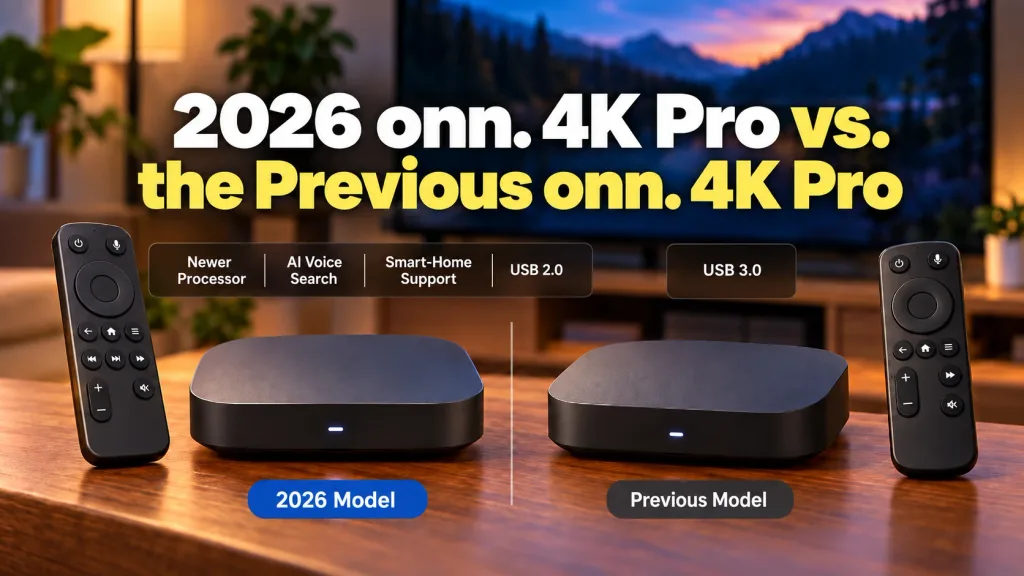
The 2026 onn. 4K Pro is more of a refresh than a complete redesign.
| Feature | 2026 onn. 4K Pro | Previous onn. 4K Pro |
|---|---|---|
| Processor | Amlogic S905X5M | Amlogic S905X4 |
| RAM | 3GB | 3GB |
| Storage | 32GB | 32GB |
| Wi-Fi | Wi-Fi 6 | Wi-Fi 6 |
| Ethernet | 10/100 Mbps | 10/100 Mbps |
| USB | USB 2.0 | USB 3.0 |
| Gemini | Yes | No |
| Matter over Thread | Yes | No |
The biggest upgrades are the newer processor, Gemini, and Matter over Thread support. Most of the core streaming hardware stays the same, including 3GB of RAM, 32GB of storage, Wi-Fi 6, Ethernet, Dolby Vision, and Dolby Atmos.
There is one step backward: the 2026 model uses USB 2.0 instead of USB 3.0. That should not matter for normal streaming, but it can matter if you use external storage or play large local-media files.
If you already own the previous onn. 4K Pro and it still works well; I would not consider the 2026 model a necessary upgrade. The newer version makes more sense for first-time buyers or anyone replacing an older streaming stick or box.
onn. 4K Pro Pros and Cons
| Pros | Cons |
|---|---|
| Affordable price | Ethernet limited to 100 Mbps |
| 4K Ultra HD | Only 3GB of RAM |
| Dolby Vision and HDR10+ | USB 2.0 instead of USB 3.0 |
| Dolby Atmos | Google TV can feel busy |
| 32GB of storage | Not a major upgrade for previous Pro owners |
| Wi-Fi 6 | |
| Ethernet included | |
| Gemini voice features | |
| Backlit remote | |
| Find My Remote | |
| Matter over Thread support |
For most everyday streamers, the biggest advantages are 32GB of storage, strong 4K support, and useful convenience features, while the main compromises are 100 Mbps Ethernet and USB 2.0.
onn. 4K Pro vs. Other Streaming Devices
The onn. 4K Pro sits between basic streaming sticks and more expensive premium boxes.
| Device | Main Strength | Main Trade-Off |
|---|---|---|
| onn. 4K Pro | 32GB storage, Google TV, Gemini, Ethernet, strong value | 100 Mbps Ethernet and USB 2.0 |
| Google TV Streamer | More RAM and Gigabit Ethernet | Higher price |
| Roku devices | Simple, easy-to-use interface | Less Google integration |
| Amazon Fire TV | Strong Alexa and Amazon integration | Best suited to Amazon users |
| Apple TV 4K | Premium performance and Apple ecosystem | Much higher price |
The onn. 4K Pro is especially appealing to viewers who want Google TV and plenty of storage without paying premium-box prices. Roku may be easier for someone who values simplicity, the Amazon Fire TV Stick 4K Max fits Amazon households well, and Apple TV 4K offers a more premium experience for Apple users.
For a less expensive Google TV alternative, our onn. 4K Plus Review 2026 explains what you get for $49.98 and whether saving $10 over the Pro makes sense.
The best choice depends on which interface, ecosystem, and features matter most to you.
For an even lower price, Walmart’s base onn. 4K Streaming Device costs $39.98 and covers the essentials for everyday streaming. My onn. 4K Streaming Device Review 2026 explains its features, limitations, and whether it’s enough to replace cable.
If you’re considering Google’s more expensive streaming box, my onn. 4K Pro vs. Google TV Streamer 4K (2026): Which Is Better? comparison takes a closer look at their features, performance, and overall value.
Who Is the onn. 4K Pro Best For?
The onn. 4K Pro is a good fit for viewers who want more features than a basic streaming stick without paying premium-box prices.
It should appeal most to people who:
- Prefer Google TV.
- Want 32GB of storage for apps.
- Have a 4K TV with Dolby Vision.
- Use Dolby Atmos audio equipment.
- Want both Wi-Fi 6 and Ethernet.
- Like the convenience of a backlit remote and Find My Remote.
- Use Gemini, Google Home, or other compatible smart-home devices and services.
- Are replacing an older Roku, Fire TV, Chromecast, or basic streaming device.
It may be less appealing if you already own the previous onn. 4K Pro, need Gigabit Ethernet, or strongly prefer Roku, Fire TV, or Apple’s ecosystem.
Is the onn. 4K Pro Worth It in 2026?
For most first-time buyers, yes. At around $60, the onn. 4K Pro combines 4K streaming, Dolby Vision, Dolby Atmos, 32GB of storage, Wi-Fi 6, Ethernet, Gemini, and a backlit remote.
Its 100 Mbps Ethernet and USB 2.0 connections are limitations, and previous onn. 4K Pro owners have less reason to upgrade. The strongest value is for someone buying their first Google TV box or replacing an older streaming device or comparing today’s top options.
Final Thoughts
The 2026 onn. 4K Pro offers a strong mix of features for around $60, including 4K streaming, Dolby Vision, Dolby Atmos, 32GB of storage, Wi-Fi 6, Ethernet, Gemini, and a backlit remote.
Its biggest weaknesses are the 100 Mbps Ethernet port, USB 2.0 connection, and relatively modest improvements over the previous onn. 4K Pro.
👉 Want an affordable Google TV box with plenty of storage and modern features? The onn. 4K Pro is worth considering.
👉 Already own the previous onn. 4K Pro? Keep it unless Gemini or newer smart-home features are important to you.
👉 Using an older or limited streaming stick? This could be a meaningful upgrade.
I will watch what I want to watch, when I want to watch it.
Thanks for visiting,
Mark