
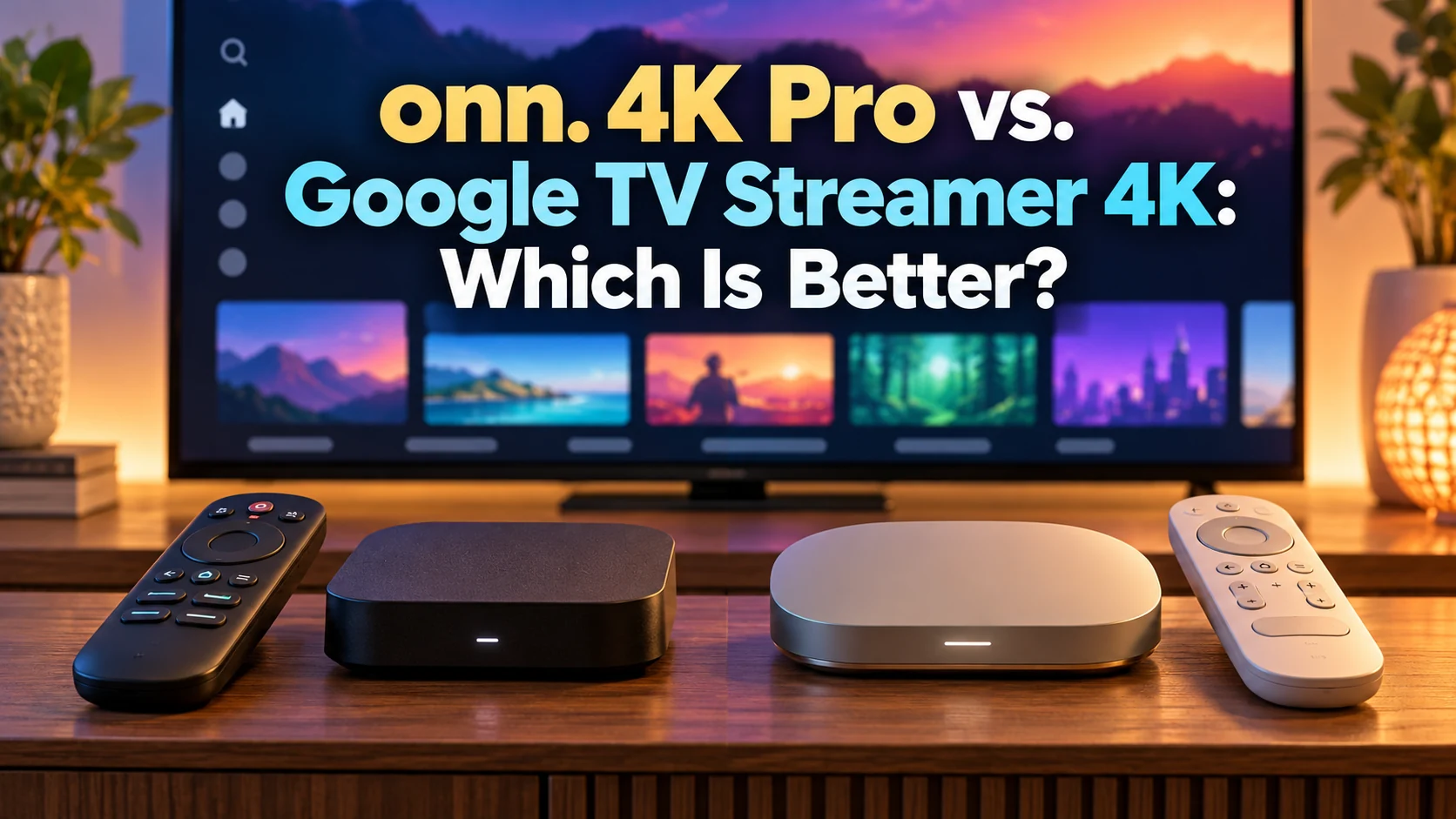
When two streaming devices offer the same Google TV experience, you’d probably expect their prices to be pretty close. But that’s certainly not the case with the 2026 onn. 4K Pro and Google TV Streamer 4K.
Walmart’s new onn. 4K Pro costs around $60, while Google’s streaming box carries a price tag of nearly $150. That’s quite a difference, especially when both offer 4K streaming, Dolby Vision, Dolby Atmos, and access to your favorite streaming services.
So, what exactly are you getting for that extra money? And more importantly, is it worth spending?
I’ve always appreciated streaming devices that are easy to use, dependable, and reasonably priced. That’s one reason I’ve been such a fan of Roku over the years. While I haven’t personally tested either of these Google TV devices, I’ve researched their features, specifications, and independent reviews to see how they compare.
Let’s find out whether Walmart’s affordable onn. 4K Pro can hold its own against Google’s more expensive streaming box—and which one deserves a place in your living room.
onn. 4K Pro vs. Google TV Streamer 4K: Specs at a Glance
Before getting into the details, let’s see how these two streaming devices compare on paper. Both offer plenty of features, but there are some important differences worth considering.
| Feature | onn. 4K Pro (2026) | Google TV Streamer 4K |
|---|---|---|
| Price | $59.98 | $149.99 |
| Platform | Google TV | Google TV |
| Resolution | 4K Ultra HD | 4K at 60 fps |
| RAM | 3GB | 4GB |
| Storage | 32GB | 32GB |
| Dolby Vision | Yes | Yes |
| Dolby Atmos | Yes | Yes |
| Wi-Fi | Wi-Fi 6 | Wi-Fi 5 |
| Ethernet | 100 Mbps | Gigabit |
| Voice Features | Hands-free Gemini | Google voice remote |
| Backlit Remote | Yes | No |
| Find My Remote | Yes | Yes |
| Thread Border Router | Not built in | Yes |
Prices are subject to change. This comparison uses the newer 2026 onn. 4K Pro, not the original 2024 model.
The biggest takeaway? Walmart’s onn. 4K Pro offers an impressive collection of features for considerably less money. Google’s streamer has advantages in RAM, wired networking, and smart-home integration, but whether those extras justify the price depends on how you plan to use it.
Price and Overall Value: Is More Expensive Really Better?
At approximately $60, the 2026 onn. 4K Pro costs about $90 less than the Google TV Streamer 4K, currently listed at $149.99. That’s a substantial difference for two devices running the same Google TV platform.
So, what does that extra money buy?
Google offers more RAM, Gigabit Ethernet, and advanced smart-home features. Those are worthwhile upgrades if you need them, but they won’t necessarily make watching Netflix, Hulu, or YouTube any more enjoyable.
Meanwhile, Walmart includes Wi-Fi 6, a backlit remote, hands-free Gemini voice control, and 32GB of storage at a considerably lower price.
Here’s how I see it: If you’re primarily interested in streaming television and movies, the onn. 4K Pro offers outstanding value. Google’s streamer makes more sense if its additional networking and smart-home capabilities are features you’ll actually use.
For an even more affordable option, the onn. 4K Plus costs $49.98 and offers many of the same essential streaming features. My onn. 4K Plus Review 2026 explains whether saving another $10 makes sense.
Performance, RAM, and Storage: Which Device Has the Advantage?
Nobody enjoys sluggish menus or waiting for streaming apps to load. Fortunately, both devices offer generous storage and enough memory to handle everyday streaming without requiring you to spend a fortune.
Does More RAM Mean Better Performance?
The Google TV Streamer 4K has 4GB of RAM, compared with 3GB in the onn. 4K Pro. That extra memory provides more room for multitasking and background processes, although it doesn’t automatically guarantee faster streaming or smoother navigation.
For most viewers switching between Netflix, Hulu, and other popular apps, the onn. 4K Pro should be more than capable of handling everyday demands.
Storage: It’s a Tie
Both devices include 32GB of internal storage, giving you room for numerous streaming apps, updates, and compatible utilities.
That’s particularly helpful if you enjoy exploring free streaming services alongside your paid subscriptions.
My take: Google has the advantage in RAM, but I wouldn’t spend an additional $90 for that difference alone. For typical television viewing, the onn. 4K Pro offers a practical balance of performance and affordability.
Picture Quality and Audio Performance
Both devices deliver 4K Ultra HD streaming with Dolby Vision and Dolby Atmos, so either can provide an excellent home-entertainment experience with compatible equipment.
4K Resolution and HDR
Dolby Vision enhances contrast, brightness, and color when supported by your television and the content you’re watching.
Google’s streamer also supports HDR10, HDR10+, and HLG, giving it a broader list of documented HDR formats. However, that doesn’t necessarily mean you’ll notice better picture quality during everyday viewing.
Dolby Atmos and Surround Sound
Both devices support Dolby Atmos, which can deliver immersive surround sound through compatible soundbars or home-theater systems.
Keep in mind that your streaming service, subscription, and audio equipment must also support Atmos to enjoy its benefits.
My take: For most viewers, picture and sound quality should be comparable. Google’s additional documented HDR formats may matter to home-theater enthusiasts, but neither device has a clear advantage for ordinary 4K streaming.
Wi-Fi, Ethernet, and Connectivity
Here’s an interesting twist: the less expensive onn. 4K Pro supports Wi-Fi 6, while Google’s more expensive streamer uses Wi-Fi 5.
Wi-Fi 6 vs. Wi-Fi 5
Wi-Fi 6 can handle busy home networks more efficiently, especially when multiple devices are connected. However, both standards are capable of delivering smooth 4K streaming with a strong connection.
Ethernet: Google Has the Advantage
Both devices include Ethernet ports, but Google’s Gigabit Ethernet connection is considerably faster than the onn. 4K Pro’s 100 Mbps port.
For ordinary 4K streaming, 100 Mbps is generally plenty. Gigabit Ethernet becomes more useful when streaming high-bitrate files from a home media server.
The onn. also includes a USB-A port and an HDMI cable, while Google provides USB-C connectivity but sells its HDMI cable separately.
My take: Walmart wins on wireless technology, while Google has the advantage for demanding wired-network setups.
Remote Controls, Gemini, and Voice Features

A good remote can make everyday streaming much easier, and the 2026 onn. 4K Pro has some impressive advantages in this department.
The onn. 4K Pro’s Backlit Remote
Walmart includes a backlit remote, making it easier to find the right buttons when watching television in a dark room. It also features customizable controls, streaming shortcuts, and a handy Find My Remote function.
Hands-Free Gemini Voice Control
The onn. 4K Pro also offers hands-free Gemini voice features, allowing you to search for entertainment and use supported voice commands without picking up the remote.
There’s even a physical microphone switch if you’d rather disable hands-free listening.
Google’s Voice Remote
Google’s streamer includes a voice remote with customizable controls and a remote-finding feature. However, it lacks the onn.’s backlighting and equivalent built-in hands-free microphone.
My take: The onn. 4K Pro wins this round. Its backlit remote and hands-free voice capabilities offer practical conveniences you’ll appreciate during everyday viewing.
Google TV Interface and Streaming Apps
Since both devices run Google TV, you’ll enjoy a similar experience regardless of which one you choose.
Finding Something to Watch
Google TV brings together recommendations from supported streaming services, making it easier to discover movies and shows without constantly switching between apps.
Both devices offer access to popular services like Netflix, Hulu, Disney+, YouTube TV, and numerous free streaming options.
However, Google TV also displays recommendations and promotional content on its home screen. Personally, I’ve always appreciated Roku’s straightforward interface, but Google TV’s content discovery features may appeal to viewers who enjoy browsing suggestions.
You can also explore my Roku vs. Fire TV 2026 comparison.
My take: This one’s a tie. Both devices provide essentially the same Google TV experience, so the interface alone shouldn’t determine which one you buy.
Smart-Home Features and Google Integration
If you’re interested in controlling more than your television, the Google TV Streamer 4K has a distinct advantage.
Matter and Thread Support
Google includes Matter compatibility and a built-in Thread border router, allowing the streamer to serve as part of a connected smart-home system.
These technologies help compatible smart lights, sensors, and other devices communicate within your home.
What About the onn. 4K Pro?
The onn. 4K Pro offers hands-free Gemini voice control for interacting with compatible smart devices, but it doesn’t provide the same integrated Thread border router functionality.
For someone who primarily watches television, that difference may not matter.
My take: Google wins for smart-home enthusiasts. However, if you’re simply looking for an affordable streaming device, there’s little reason to pay extra for features you won’t use.
Pros and Cons of Each Streaming Device
Both streaming devices have plenty to offer, but neither is perfect. Here’s a quick look at their biggest strengths and weaknesses.
onn. 4K Pro (2026)
Pros
- Excellent value at approximately $60.
- 4K, Dolby Vision, and Dolby Atmos support.
- Wi-Fi 6 and 32GB storage.
- Backlit remote with Find My Remote.
- Hands-free Gemini voice control.
- Built-in Ethernet and USB-A port.
Cons
- Less RAM than Google’s streamer.
- Ethernet limited to 100 Mbps.
- No built-in Thread border router.
- Primarily available through Walmart.
Google TV Streamer 4K
Pros
- 4GB RAM and 32GB storage.
- Gigabit Ethernet connection.
- Dolby Vision, HDR10+, and Dolby Atmos.
- Matter and Thread smart-home integration.
- Google Home controls.
- Voice remote with Find My Remote.
Cons
- Considerably more expensive.
- Wi-Fi 5 instead of Wi-Fi 6.
- No backlit remote.
- No equivalent built-in hands-free microphone.
- HDMI cable sold separately.
onn. 4K Pro vs. Google TV Streamer 4K: Which Should You Buy?
After comparing the features, performance, and pricing, I’d recommend the 2026 onn. 4K Pro for most cord-cutters. However, Google’s streamer makes sense for certain buyers.
Choose the onn. 4K Pro If…
You want affordable 4K streaming without sacrificing important features. With Google TV, Wi-Fi 6, a backlit remote, and hands-free Gemini, it offers excellent value for everyday television viewing.
It’s also a smart choice if you’re buying streaming devices for multiple rooms.
Choose the Google TV Streamer If…
You want deeper Google Home integration, Gigabit Ethernet, or additional RAM. Its Matter and Thread capabilities make it particularly attractive for smart-home enthusiasts.
What About Other Streaming Devices?
Neither device is your only option. If you prefer Roku’s simplicity, Amazon Fire TV’s features, or Apple’s streaming ecosystem, there are plenty of alternatives worth considering.
The Roku Ultra, Fire TV Cube, and Apple TV 4K are all worth exploring before making your final decision.
If Apple’s streaming device interests you, my Google TV Streamer 4K vs. Apple TV 4K (2026): Which Is Better? comparison takes a closer look at how these two premium devices stack up.
My recommendation: Unless you’ll actually use Google’s premium networking and smart-home features, I’d save the extra money and choose the onn. 4K Pro. Both offer a capable Google TV experience, but Walmart delivers more value for the average viewer.
Final Thoughts
The onn. 4K Pro vs. Google TV Streamer 4K comparison shows that spending more doesn’t necessarily mean getting a better streaming experience.
For most cord-cutters, I believe the 2026 onn. 4K Pro is the better buy. It offers an impressive combination of features, convenience, and affordability. Google’s streamer certainly has its advantages, particularly for smart-home enthusiasts, but not everyone needs those extras.
Ultimately, the best streaming device is the one that fits your needs without stretching your budget.
👉 Looking for more options? Check out my Best Streaming Devices 2026: Top Picks for Every Budget for additional recommendations.
👉 Still deciding which device is right for you? My How to Choose a Streaming Device in 2026: Buying Guide for Every Budget can help you make that decision.
👉 Have a favorite streaming device? Share your thoughts or questions in the comments below. I’d love to hear from you!
Happy Streaming!
Thanks for visiting,
Mark